
AI Product Photography Guides
Practical AI product photography guides for preserving real product details while planning catalog, campaign, marketplace, and social images.
A useful product image must do more than look polished. It should keep the item recognizable, present materials honestly, leave labels and proportions intact, and fit the place where a customer will see it. These guides begin with the product facts that cannot change, then add one controlled decision at a time: camera position, surface, background, light, crop, and supporting props.
Use this topic when you are preparing catalog images, listing photos, product-page heroes, campaign concepts, or consistent visual sets. Generated output still needs comparison with the real item. When exact packaging, text, color, or construction matters, preserve approved source pixels or finish the asset with conventional editing rather than treating a generation as proof of accuracy.
Start here
Begin with these guides, then move to the article that matches your exact subject or edit.
- 1
AI Product Photography Prompts for Small Businesses
Create polished product images on a small-business budget with practical AI prompts for lighting, composition, backgrounds, and consistent campaign visuals.
- 2
White Background AI Product Photo Prompts That Work
Write clearer AI prompts for white-background product photos with natural shadows, accurate materials, clean edges, and marketplace-ready compositions.
- 3
AI Jewelry Product Photography Prompts That Sell
Build refined AI jewelry product photography prompts for accurate metals, convincing gemstones, controlled reflections, elegant styling, and useful ad crops.
All ai product photography guides
18 reviewed guides currently available in this topic.
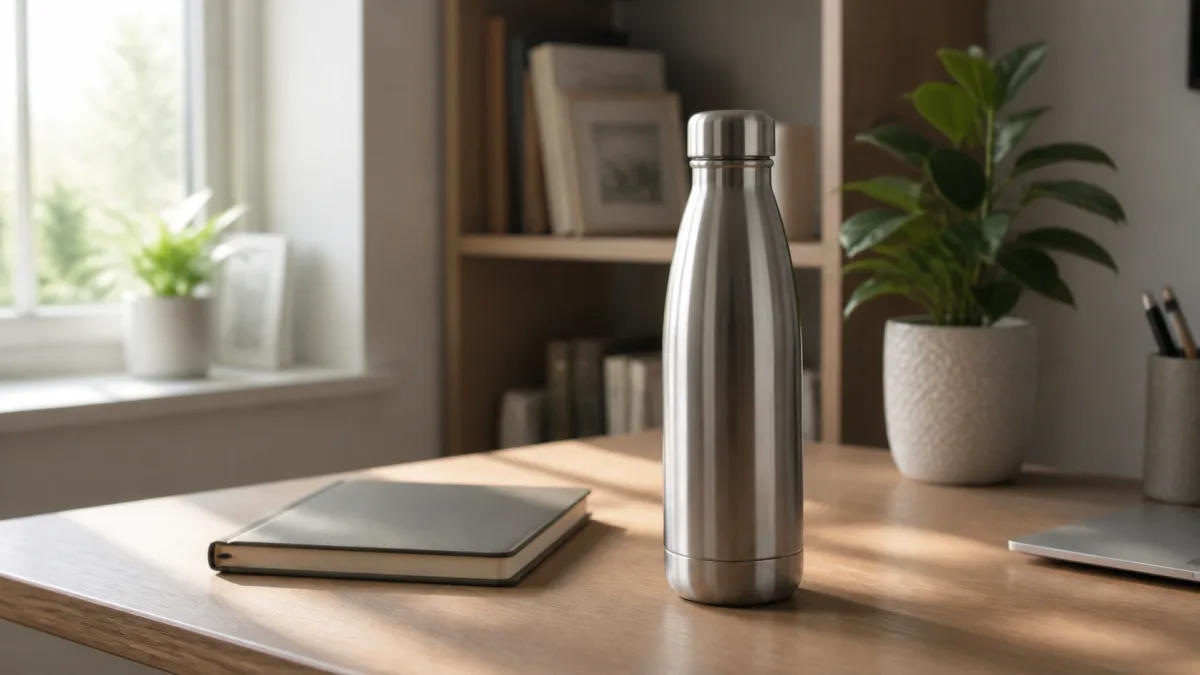
AI Product Lifestyle Photo Prompts for Believable Scenes
Build lifestyle product prompts around a real customer moment, accurate scale, product-lock details, coherent light, restrained props, and review.
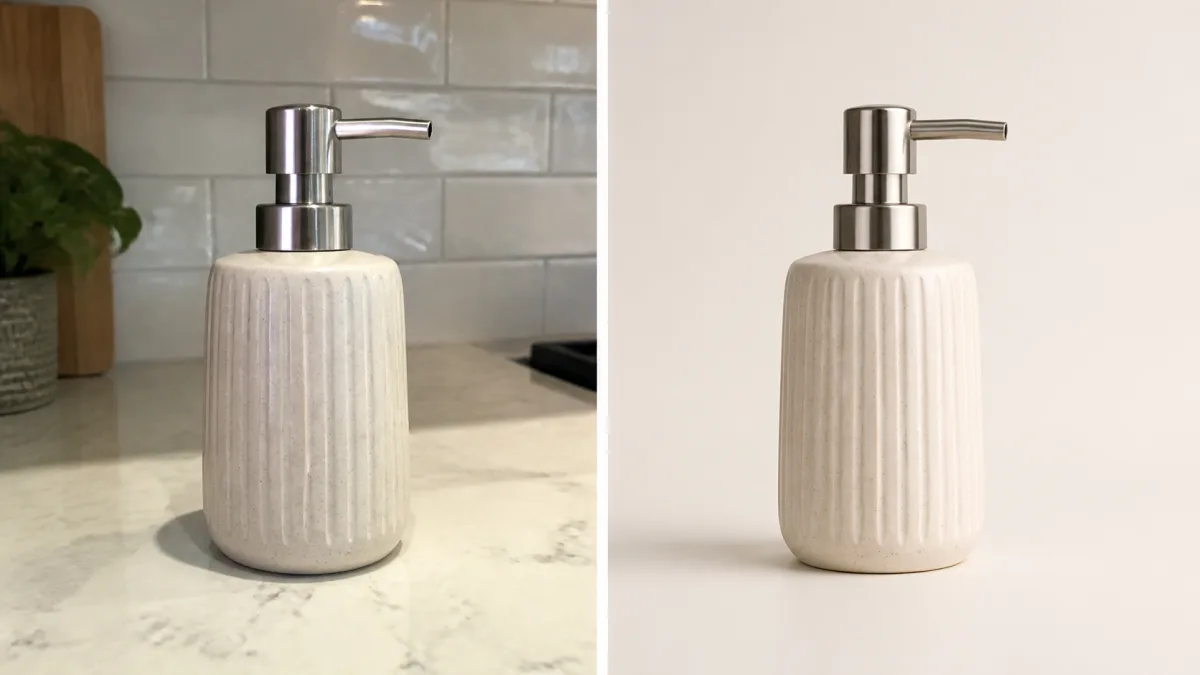
How to Turn a Phone Product Photo into a Studio Image
Prepare a stronger phone reference, write a bounded studio-image prompt, protect product details, and review lighting, edges, labels, and shadows.
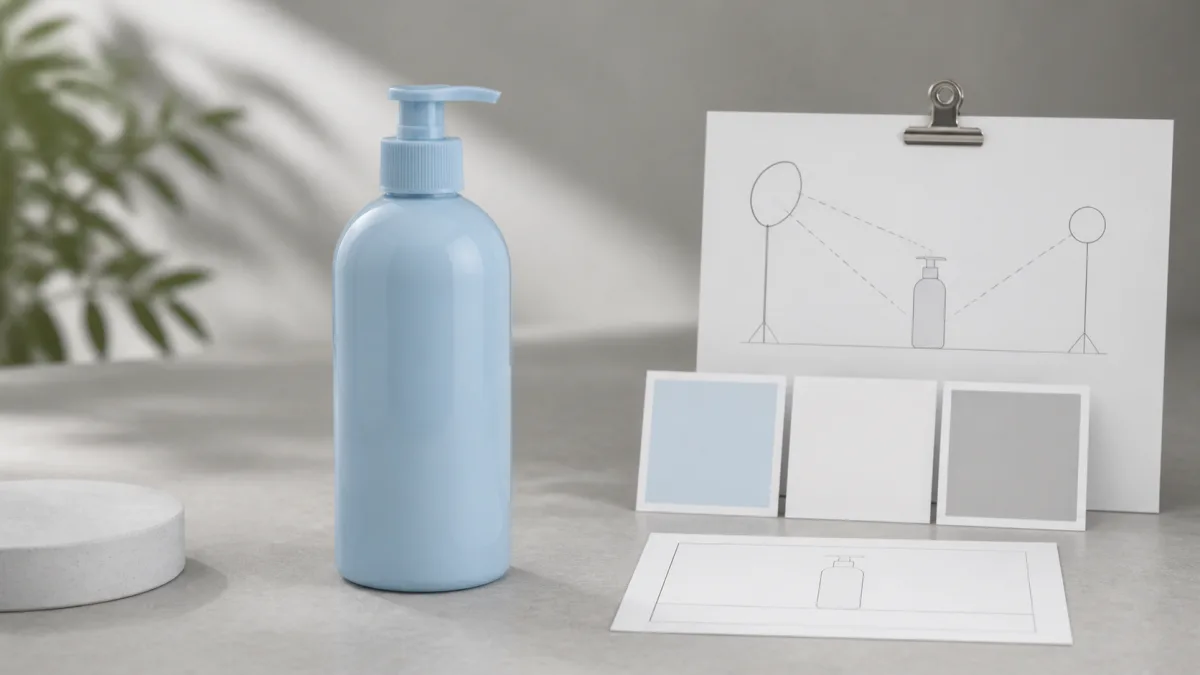
A Practical Seedream Product Photography Prompt Guide
Structure Seedream product photography prompts around product facts, scene choices, light, composition, constraints, and a careful review process.
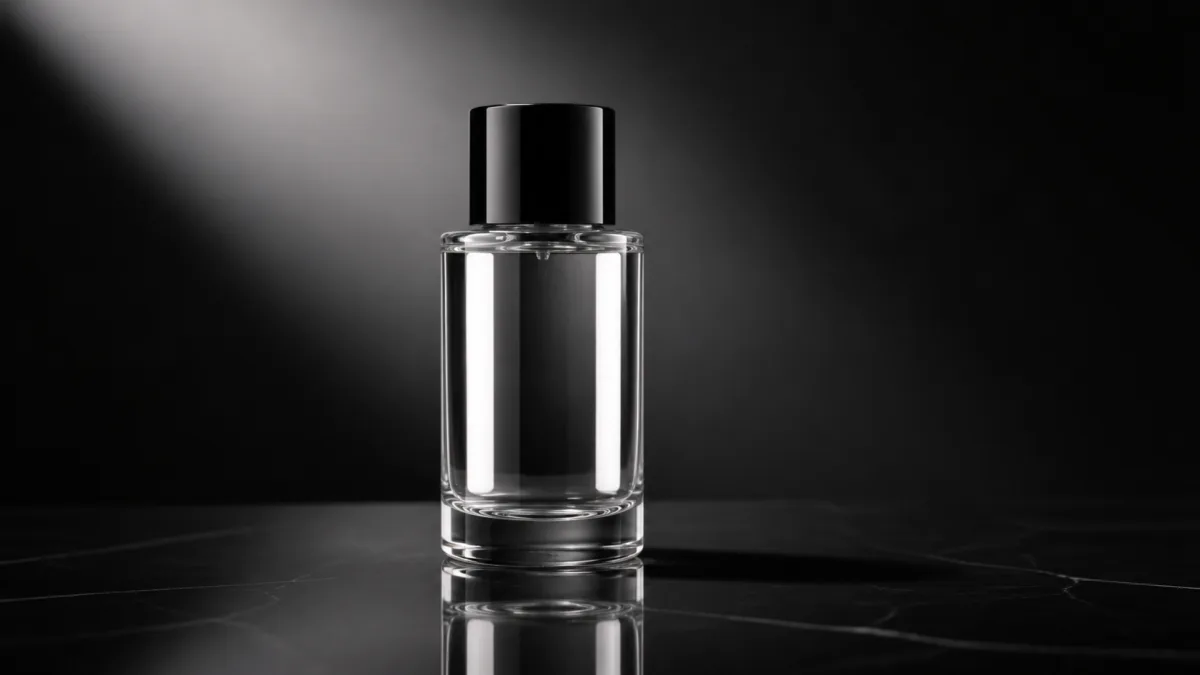
How to Fix Product Photo Shadows and Reflections with AI
Diagnose floating objects, double shadows, harsh glare, and fake reflections, then write bounded AI edit prompts that protect product identity.
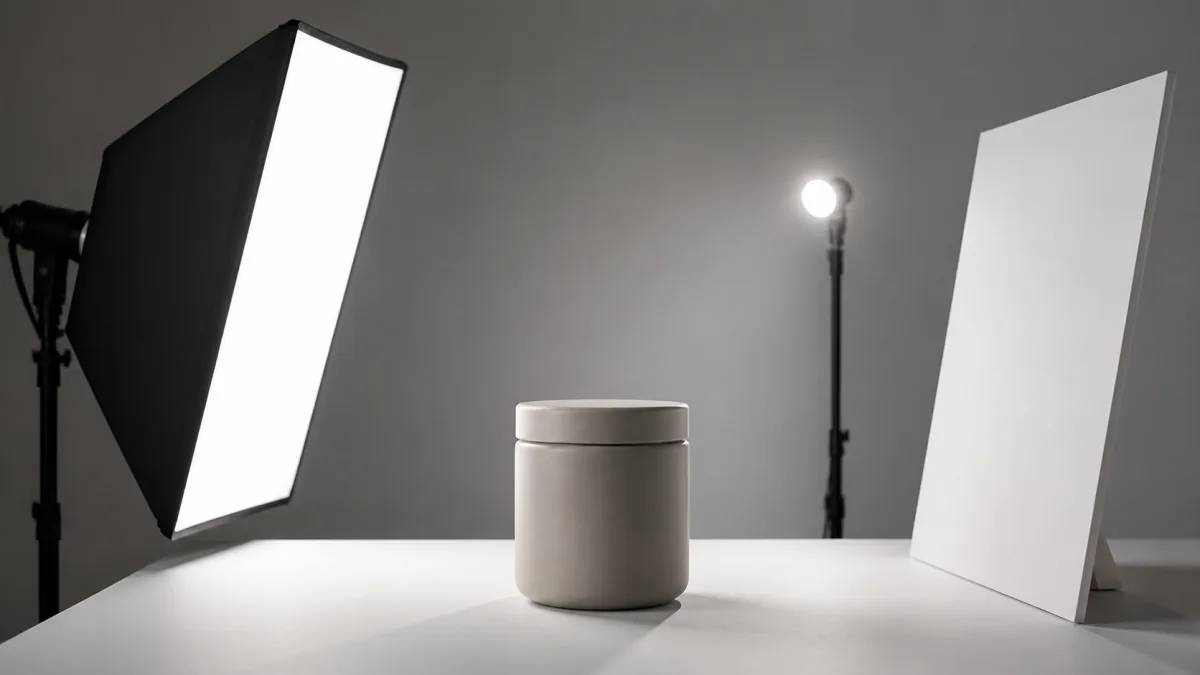
AI Product Photo Lighting Prompts for Realistic Materials
Choose product lighting prompts by material and placement, then control direction, softness, fill, highlights, shadows, and background separation.
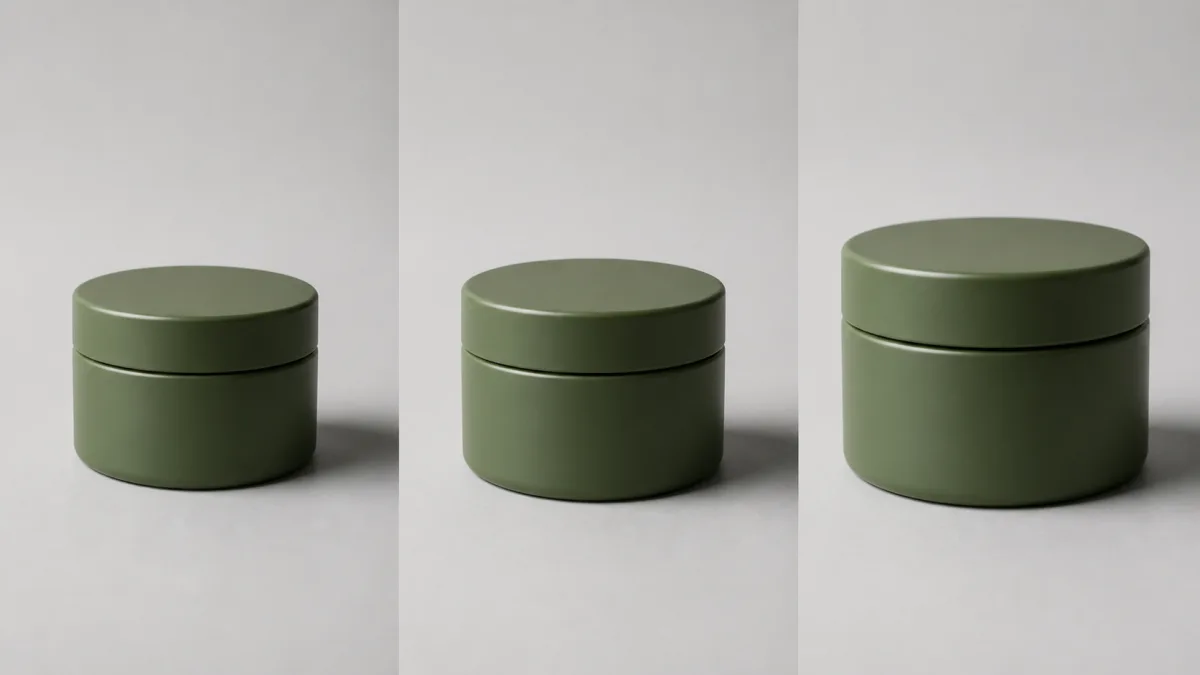
How to Create Consistent Product Photos with AI
Build consistent AI product photos with a reusable visual standard, fixed reference details, controlled variables, and a practical quality review.
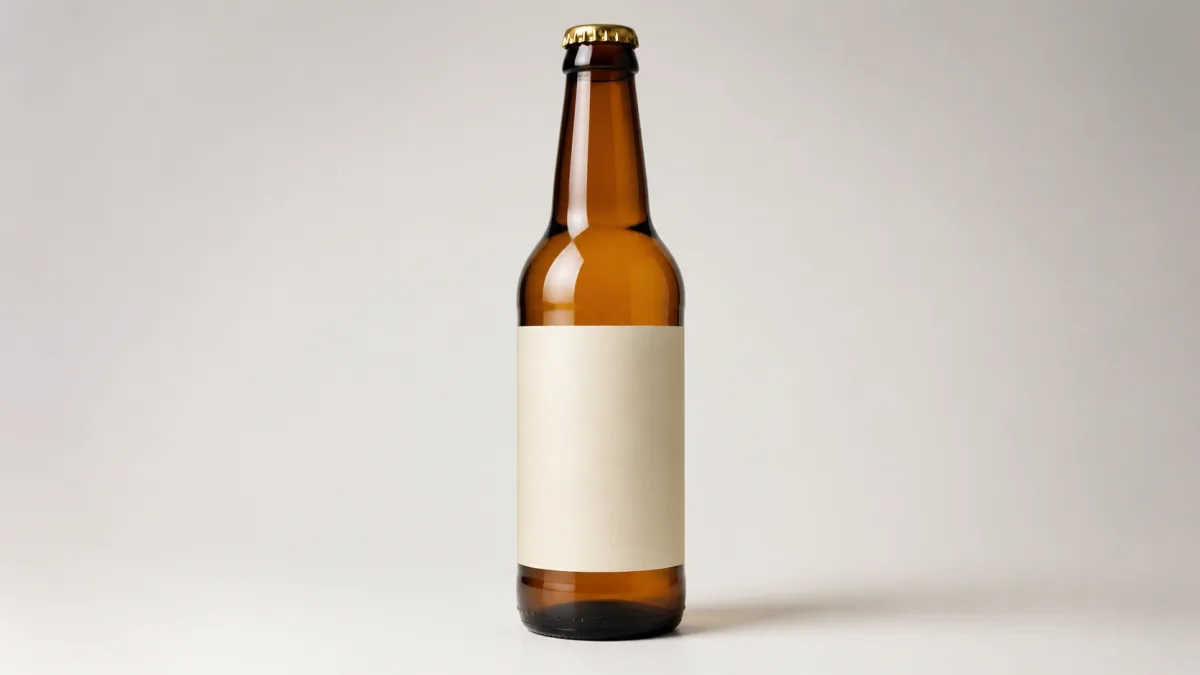
How to Keep a Product Label and Logo Unchanged with AI
Protect packaging identity during AI image edits with better source photos, product-lock prompts, simpler changes, and a detailed review workflow.
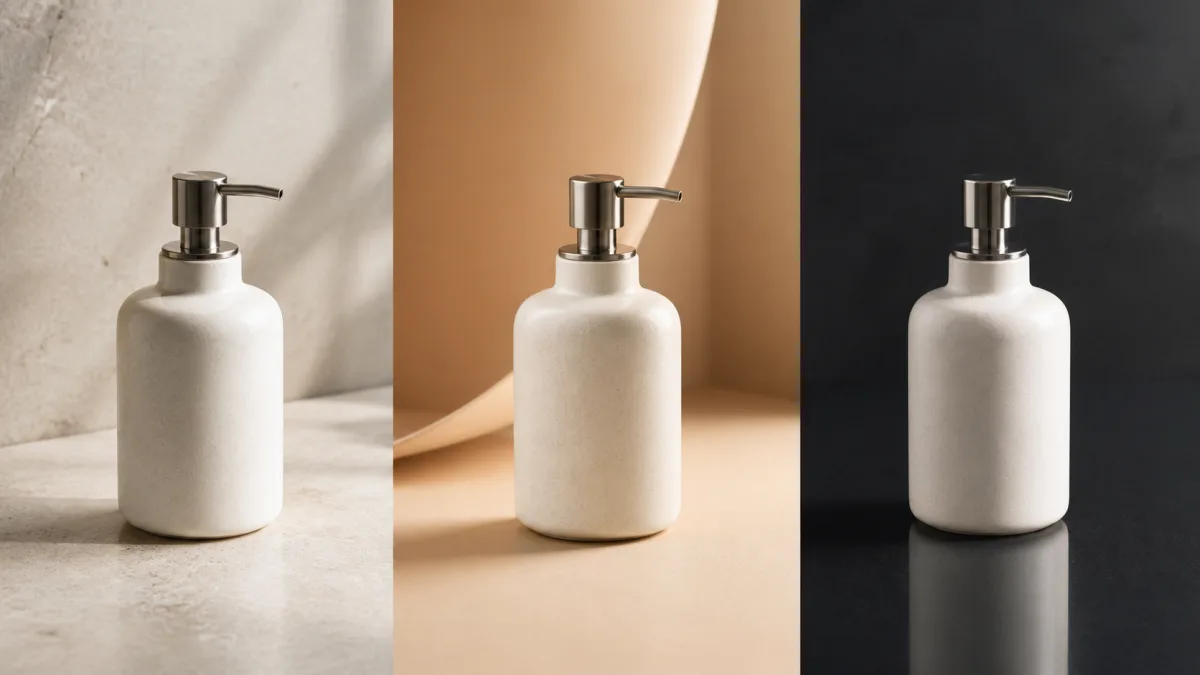
How to Choose AI Product Photo Background Ideas
Choose product photo backgrounds by material, audience, placement, contrast, and brand mood, then turn the direction into a precise image prompt.
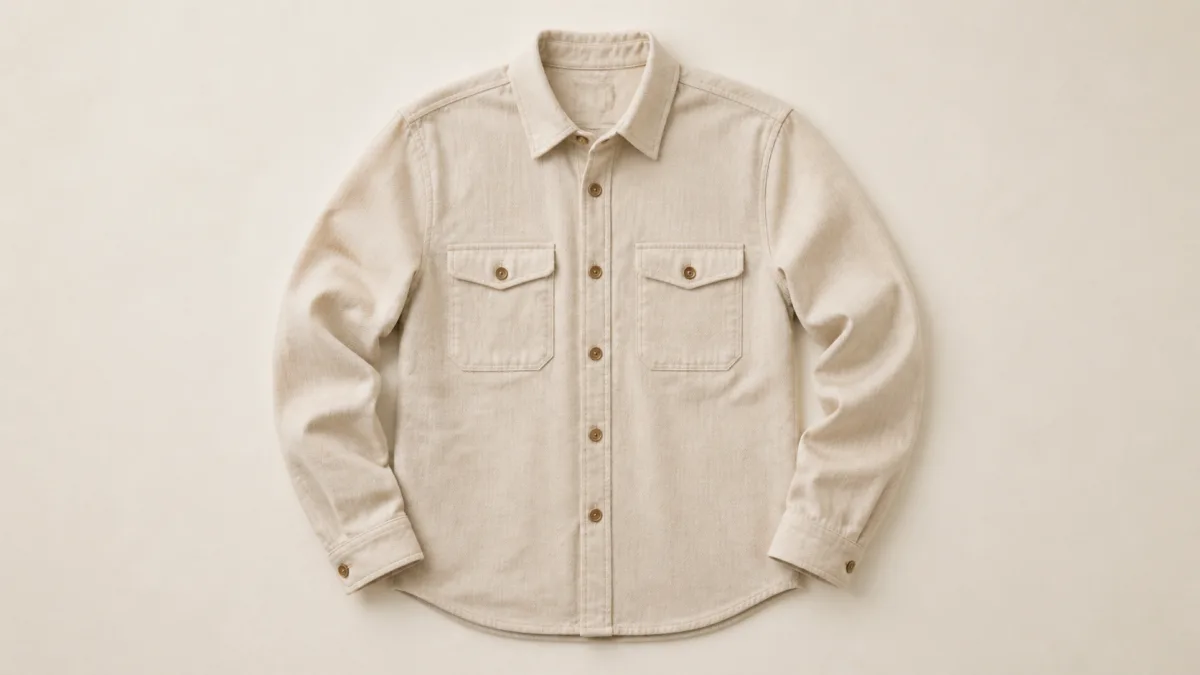
AI Clothing Flat Lay Photography Prompts That Preserve Fit
Write clothing flat lay prompts that protect garment shape, fabric, color, seams, prints, and proportions while improving light and styling.
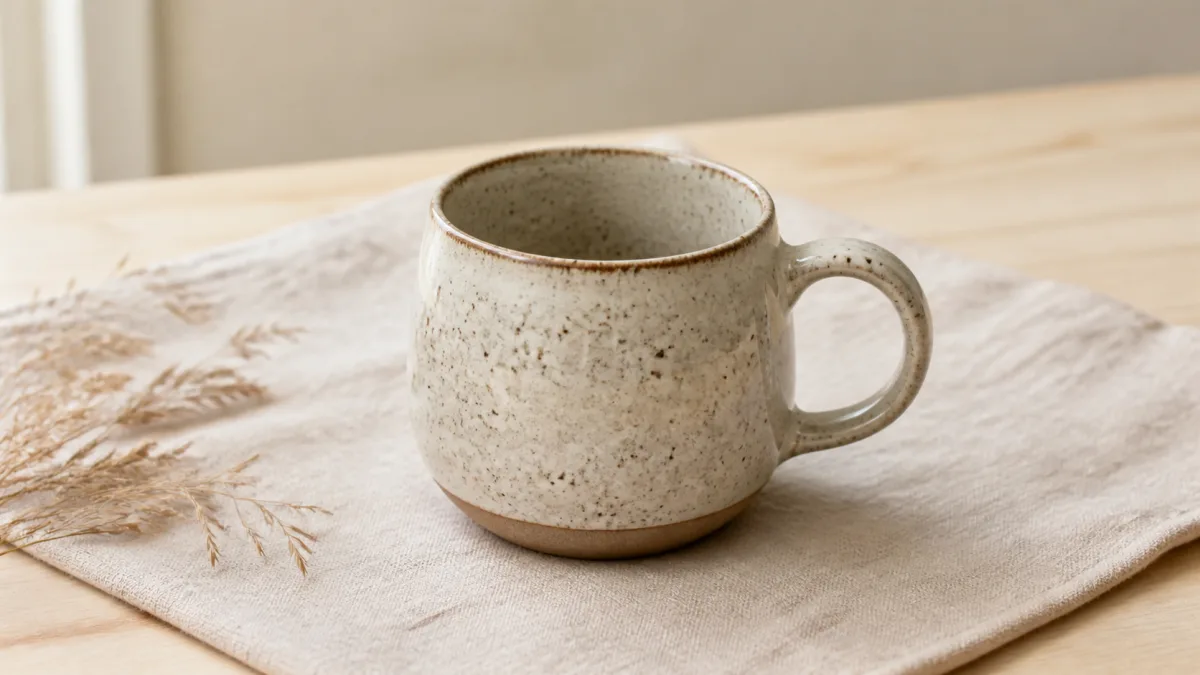
How to Write AI Prompts for Clear Etsy Listing Photos
Create Etsy listing photo prompts that protect handmade product details while improving backgrounds, lighting, crop, scale, and visual consistency.
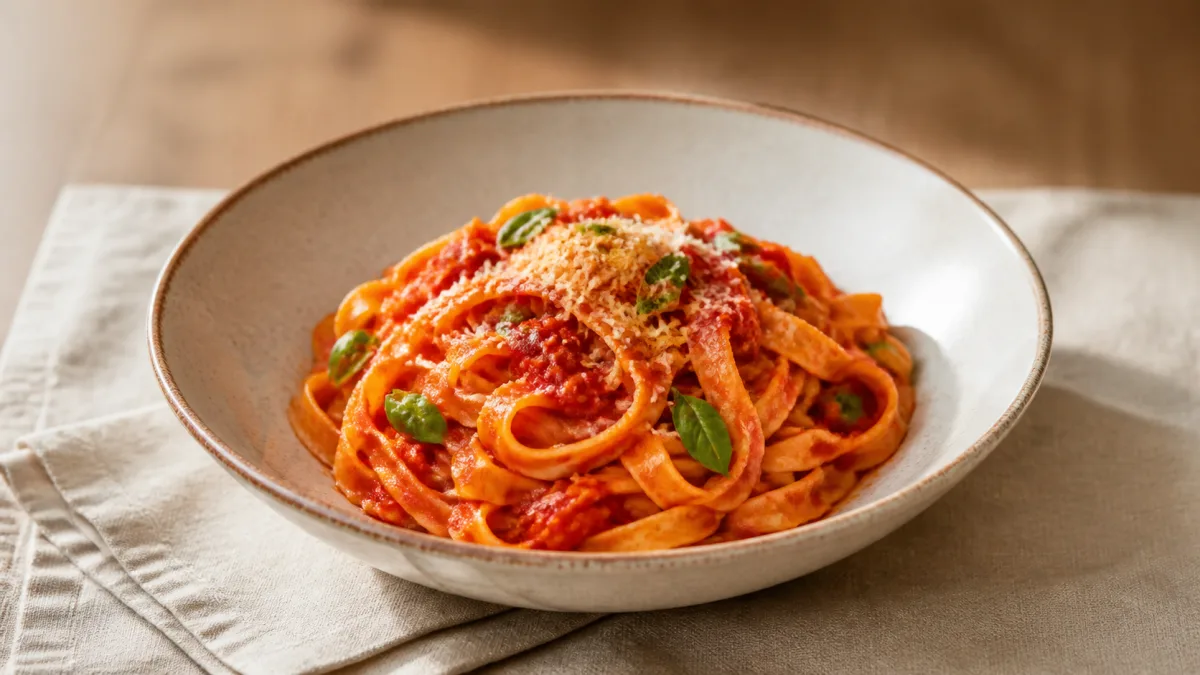
AI Food Photography Prompts for Menus and Ordering Pages
Write menu-focused food photography prompts with believable portions, natural texture, useful crops, clean lighting, and accurate dish details.
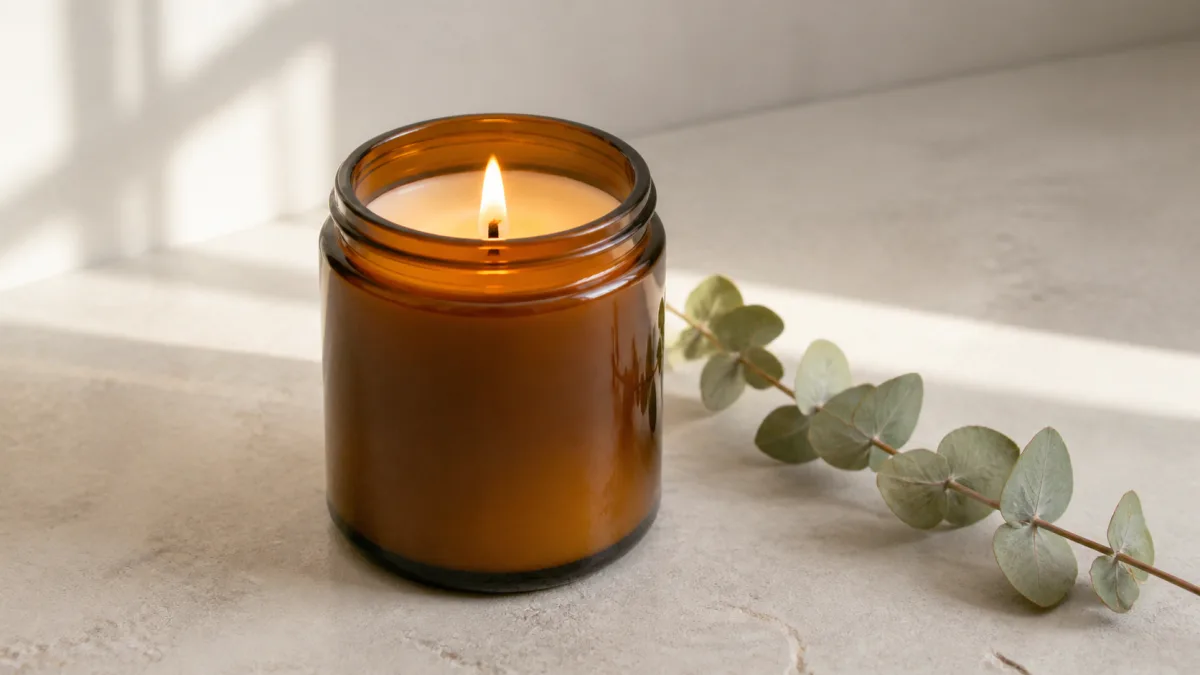
AI Candle Product Photography Prompts for Small Brands
Build candle product photo prompts that control wax texture, flame light, labels, props, and composition for polished shop and campaign images.
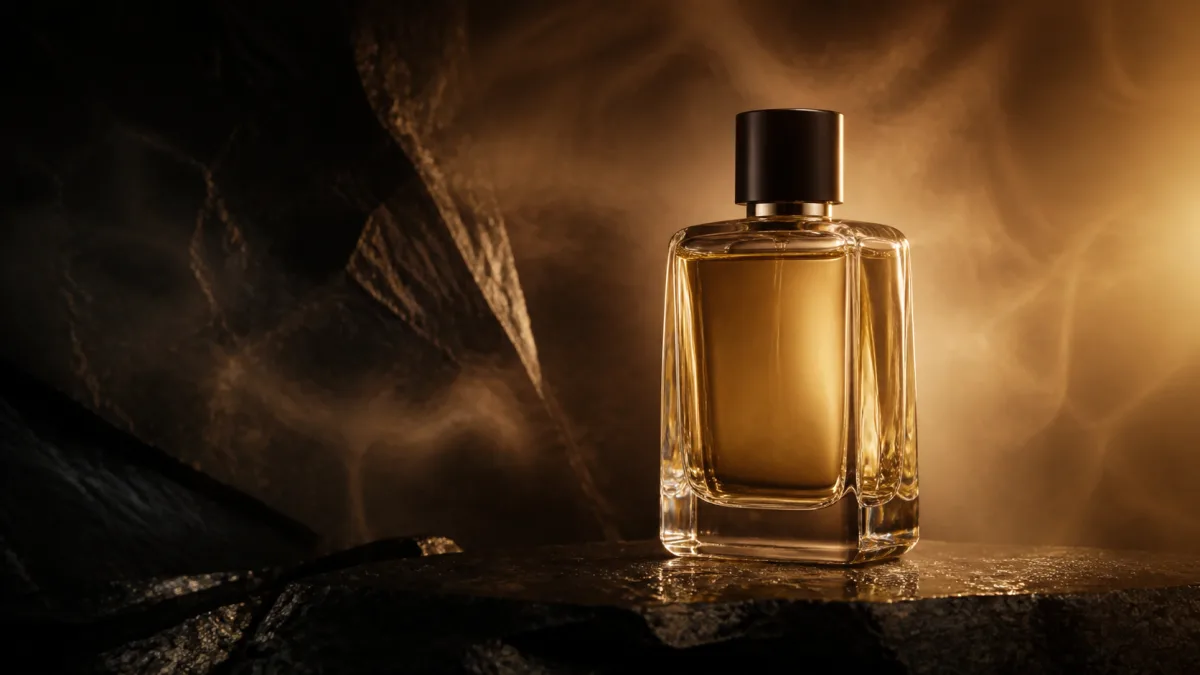
AI Perfume Product Photography Prompts for Premium Ads
Write precise perfume photography prompts for convincing glass, liquid, caps, reflections, fragrance moods, and adaptable luxury campaign compositions.
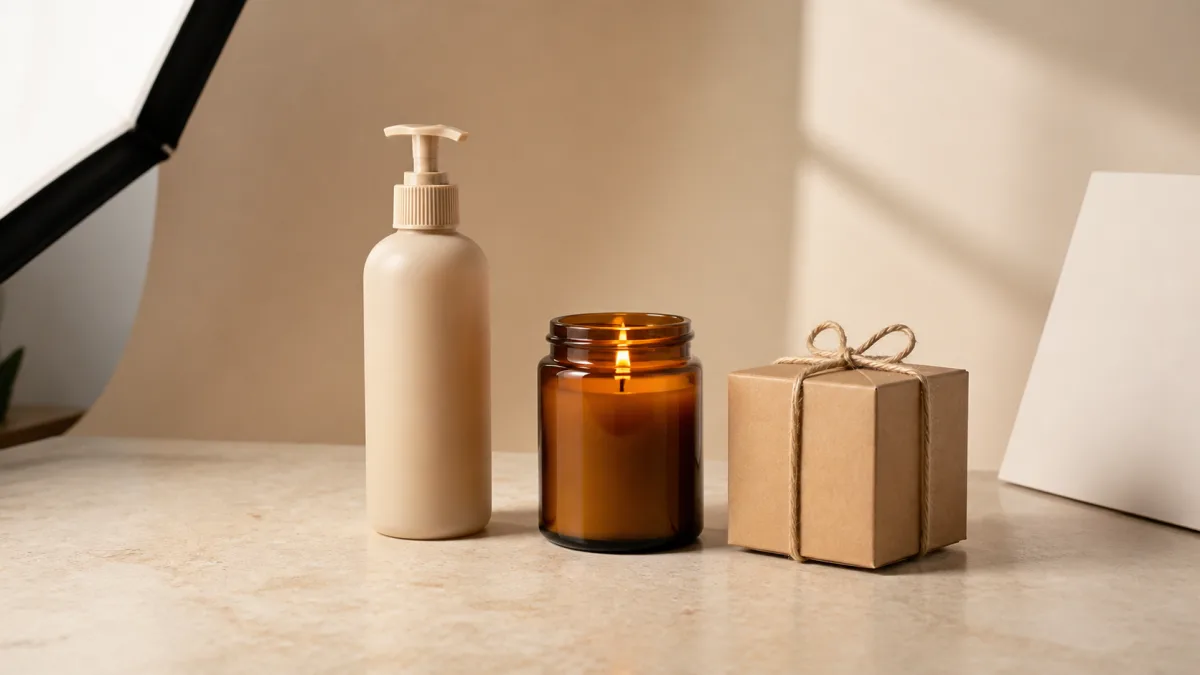
AI Product Photography Prompts for Small Businesses
Create polished product images on a small-business budget with practical AI prompts for lighting, composition, backgrounds, and consistent campaign visuals.
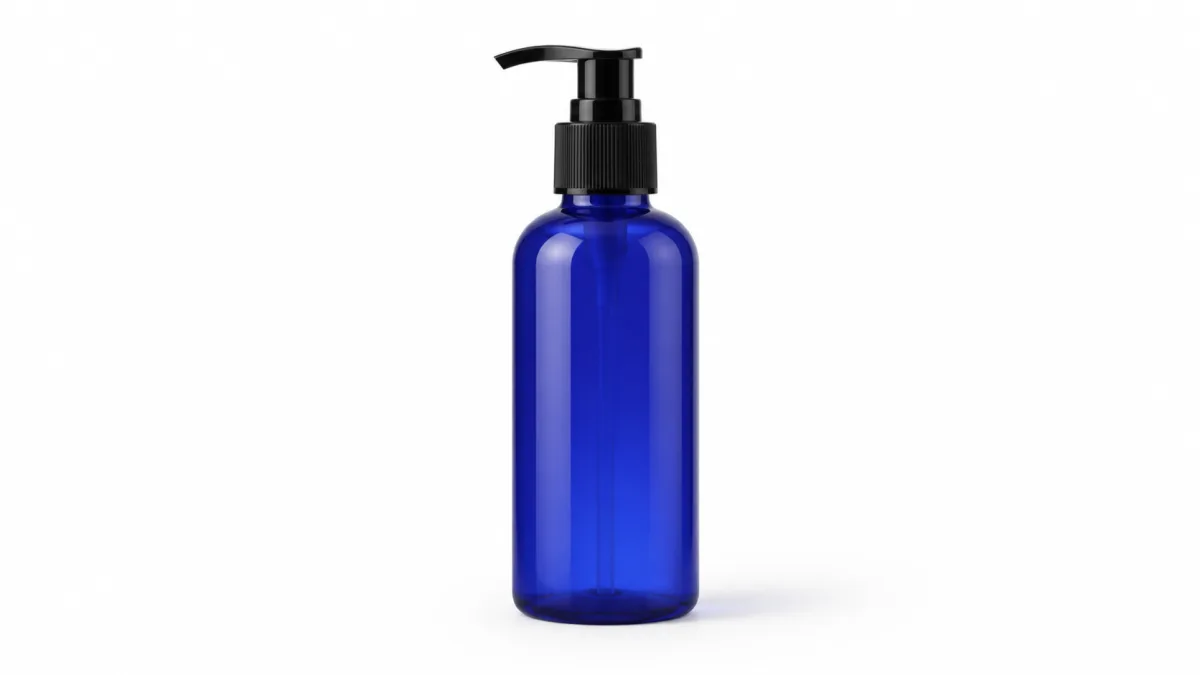
White Background AI Product Photo Prompts That Work
Write clearer AI prompts for white-background product photos with natural shadows, accurate materials, clean edges, and marketplace-ready compositions.
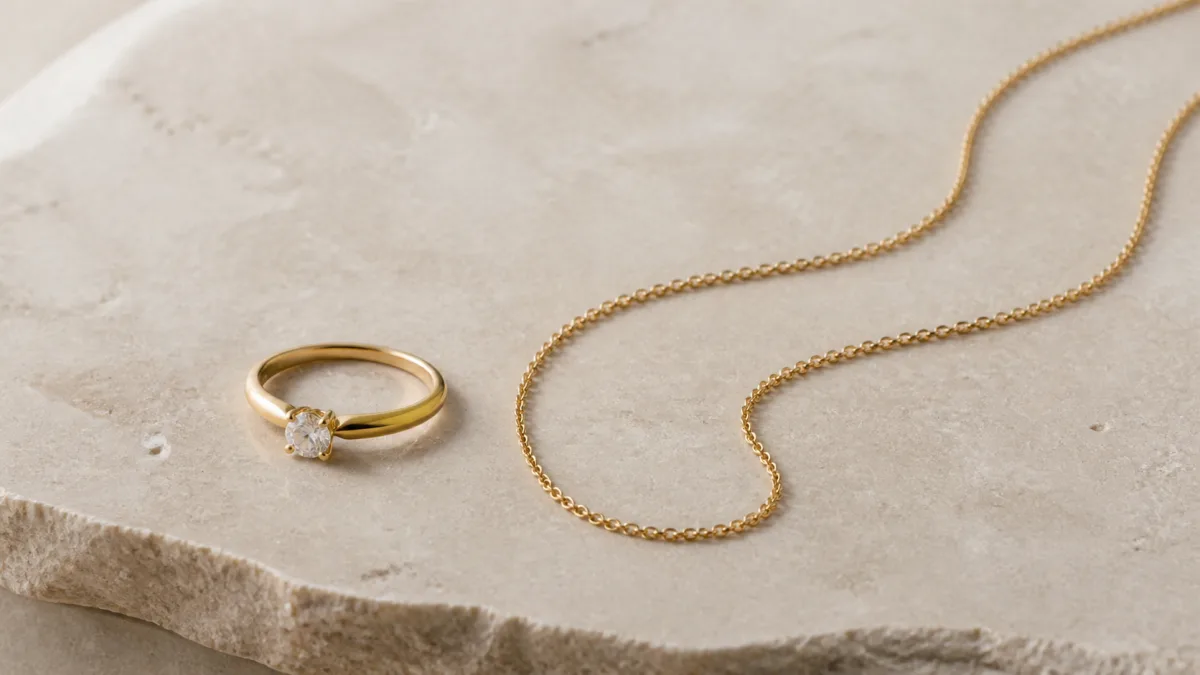
AI Jewelry Product Photography Prompts That Sell
Build refined AI jewelry product photography prompts for accurate metals, convincing gemstones, controlled reflections, elegant styling, and useful ad crops.
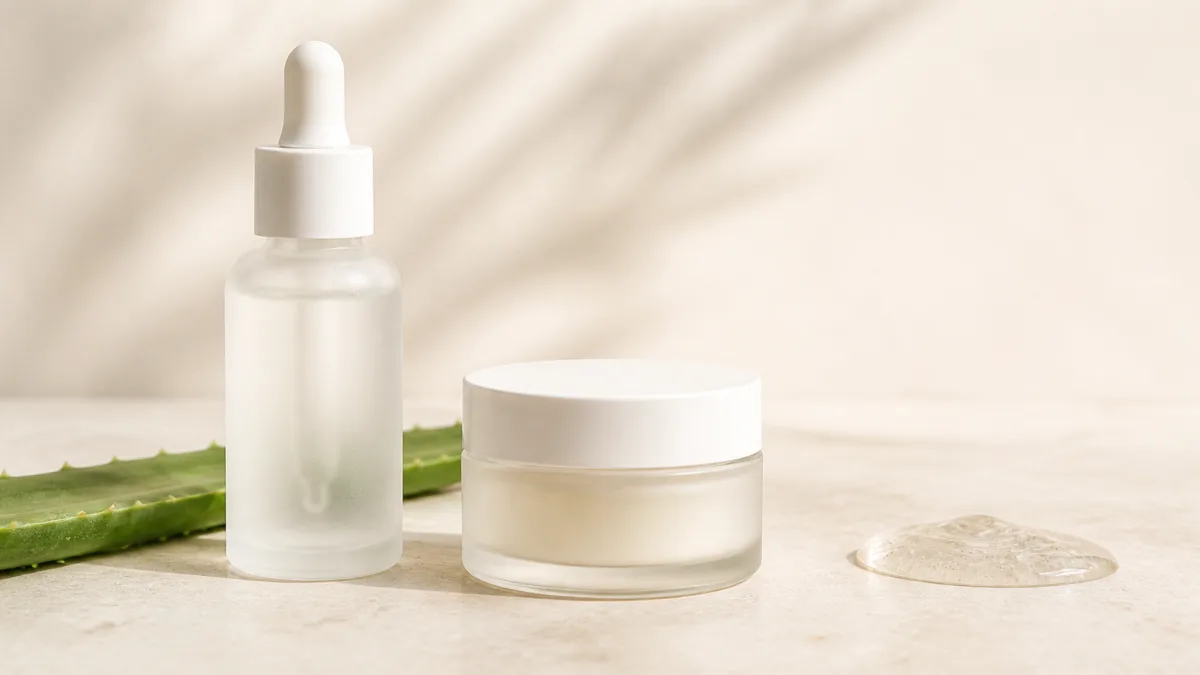
AI Skincare Product Photography Prompts for Brands
Create polished skincare product images with prompts for accurate packaging, clean textures, ingredient-led scenes, controlled light, and campaign-ready crops.

How to Turn a Product Image Into an AI Video Without Losing Brand Details
Animate a product photo with a preservation-first prompt. Learn which camera moves reduce drift, how to check labels frame by frame, and when to use an editor.