
A Practical Seedream Product Photography Prompt Guide
Structure Seedream product photography prompts around product facts, scene choices, light, composition, constraints, and a careful review process.
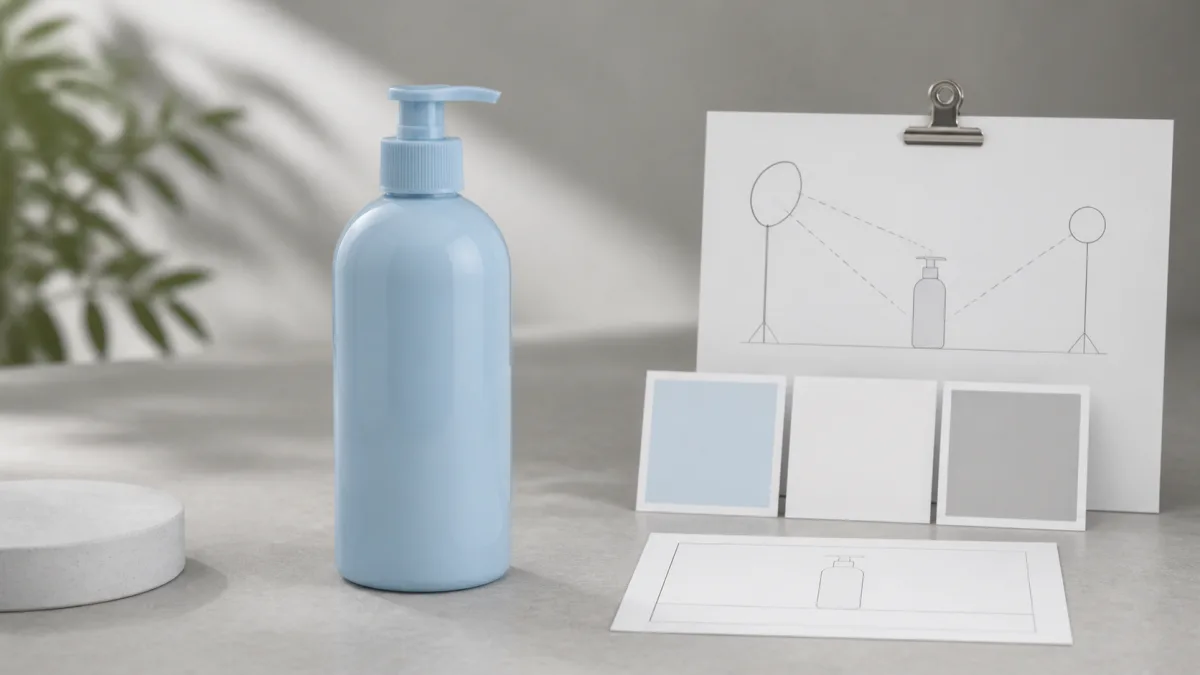
Useful Seedream product photography prompts read like compact creative briefs. Lead with the product facts that must remain true, then describe one scene, camera position, lighting setup, output format, and a short list of exclusions. Natural sentences are easier to audit than a pile of disconnected quality tags. If you are working from a real SKU, provide a clear reference and verify every generated edge, label, color, and material against it. Model names, availability, settings, and behavior can change, so treat this guide as a general prompting framework rather than a promise about a particular version or result. The final image still requires human review.
Confirm the actual task before choosing the model
Product photography can mean creating a fictional concept from text or restaging a real item from a reference image. Those are different jobs. A text-only concept may inspire a campaign, but it should not be presented as a specific item for sale. A reference-led edit aims to keep the approved product while changing its environment.
Check the models currently available in the AI image generator and select one that supports the input type your task requires. Do not assume that every model or account offers the same controls.
Put product facts before creative direction
Start with an identity block: product type, silhouette, dimensions, package geometry, color, material, finish, label, logo, cap, and distinctive details. If exact text matters, quote the visible wording and instruct the model not to redraw it, while recognizing that generated lettering still needs close review.
Follow with a separate permission line: change only the surface, background, lighting, or composition. This makes it easier to see whether the prompt accidentally authorizes a product redesign.
Write the scene as one coherent idea
Avoid combining an editorial bathroom, tropical beach, laboratory, and nightclub into one image. Choose one environment with a reason to exist. Name the surface, background, and no more than one or two prop families.
Useful scene directions include:
- Warm-white seamless studio for a clean product card.
- Pale stone and soft daylight for a restrained beauty concept.
- Dark acrylic and controlled rim light for reflective technology.
- Natural oak and one ingredient family for a food or home product.
- Contextual shelf or desk for a lifestyle image with believable scale.
Browse Showcases to compare visual moods, then translate one direction into specific nouns and light choices.
Control the camera and final placement
State the camera height or view: eye level, slightly above, true overhead, macro detail, or three-quarter product angle. Include the final aspect ratio and where negative space belongs. A website banner, square shop card, vertical social post, and print ad require different framing.
If a real product is being preserved, avoid asking for a camera angle that exposes surfaces absent from the references. Supply additional approved views or retain the source angle.
Describe a simple lighting system
Name one key light, its direction, and whether it is broad or hard. Add a gentle fill only if necessary, then explain the contact and cast shadow. Describe how the real material responds: broad vertical highlights on glass, controlled edge reflections on metal, soft tonal modeling on matte paper, or raking light across fabric texture.
This is more useful than repeatedly adding "professional," "8K," or "cinematic." The prompt should express decisions that can be checked in the output.
Copy-ready Seedream product prompt
Use the uploaded image as the exact reference for [product]. Preserve its complete geometry, proportions, true color, material, finish, cap or hardware, label boundary, logo, typography, and every identifying detail. Change only the environment. Place the unchanged product on [surface] against [background] for a [product-page / banner / social / editorial] image in [aspect ratio], viewed from [camera angle]. Use one broad [softbox / window] key light from [direction], gentle neutral fill, material-appropriate reflections, a compact contact shadow, and a cast shadow extending [direction]. Add only [restrained prop family] and leave clear space on [side]. Do not redesign packaging, rotate into an unsupported view, invent text, alter color, add badges or claims, duplicate the product, hide the label, create impossible reflections, or add a watermark.Replace every bracket before taking the brief into Create. A shorter complete prompt is preferable to a longer contradictory one.
Refine one variable at a time
If the composition is wrong, change framing without rewriting the product facts and lighting. If the material looks wrong, adjust reflection and texture language without replacing the scene. If the background is too busy, remove props before adding more negative instructions.
Save the approved identity block and visual standard. Rewriting them from memory can introduce subtle drift across a collection.
Common failures and focused corrections
Changed labels or logos indicate that the product was reconstructed. Return to the original angle, strengthen the identity block, simplify the environmental edit, or composite the approved product in a conventional editor. Floating objects need a compact contact shadow. Plastic-looking glass needs an explicit reflection shape and visible glass thickness.
If the result is over-styled, remove broad mood adjectives and name the actual surface, background color, light, and prop. If product color shifts, request neutral illumination on the item and keep colored effects in the background only.
Pre-publish review checklist
- The selected model and input type match the current task.
- Product silhouette, proportions, color, material, finish, and hardware are accurate.
- Label, logo, text, and package details match the approved reference.
- Camera angle does not invent an unseen side of the product.
- Key light, reflections, contact shadow, and cast shadow agree physically.
- Props and background support the placement without implying extra contents.
- The output ratio and negative space fit the real design.
- Full-resolution review found no warped edges, duplicated objects, or invented marks.
Create one factual identity block and one clear scene before you generate. Then open Create, make a focused first image, and revise only the most important visible mismatch in the next prompt.
Related guides
Browse all ai product photography guidesAI Product Lifestyle Photo Prompts for Believable Scenes
Build lifestyle product prompts around a real customer moment, accurate scale, product-lock details, coherent light, restrained props, and review.
How to Turn a Phone Product Photo into a Studio Image
Prepare a stronger phone reference, write a bounded studio-image prompt, protect product details, and review lighting, edges, labels, and shadows.
How to Fix Product Photo Shadows and Reflections with AI
Diagnose floating objects, double shadows, harsh glare, and fake reflections, then write bounded AI edit prompts that protect product identity.
Last updated .