
How to Fix Product Photo Shadows and Reflections with AI
Diagnose floating objects, double shadows, harsh glare, and fake reflections, then write bounded AI edit prompts that protect product identity.
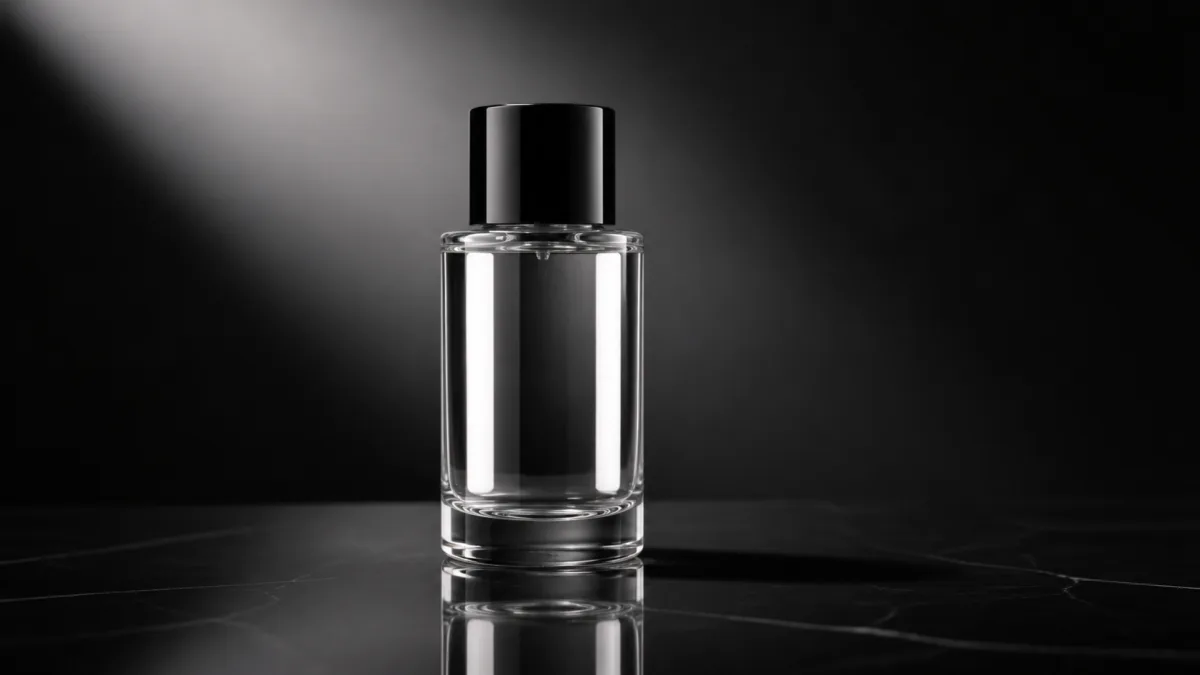
To fix product photo shadows and reflections with AI, diagnose the physical error before writing the edit prompt. A floating object needs a contact shadow. A double shadow needs one dominant light direction. Harsh glare needs a larger, softer reflected source or a changed angle. Random highlights need an environment they could plausibly reflect. Use the original product as a locked reference and ask for one bounded correction, not a complete reshoot. Generative editing can still alter packaging and fine detail, so compare every result with the source and use conventional masking, retouching, or compositing when the exact product pixels must remain unchanged.
Read the existing light before changing it
Look for the brightest product-facing highlight, the darkest side, the cast-shadow direction, and reflections of windows or softboxes. Together they reveal where the apparent light sources are. A correction should respect that story unless the entire scene is intentionally being relit.
Ask these questions:
- Is the product touching a visible surface?
- Does the cast shadow point away from the main light?
- Are there competing shadows in different directions?
- Do glass and metal reflect shapes that could exist in the scene?
- Does glare cover a label, texture, or edge?
Use Showcases to study different image styles, but diagnose the specific source in front of you.
Add a contact shadow before a dramatic cast shadow
The contact shadow is the small, dense area directly beneath the product. Without it, even a good cast shadow can leave the object floating. Describe the base shape and ask for a compact shadow that follows it closely.
The cast shadow extends farther and should become softer with distance when the light source is broad. Its direction must oppose the key light. Keep it restrained for catalog images; a campaign can use a more graphic shadow if that choice remains physically coherent.
Repair double and contradictory shadows
Two shadows can be legitimate in a multi-light setup, but accidental doubles usually make the scene look composited. Choose one dominant key light and reduce other sources to soft fill. Name the desired shadow direction and request removal of unrelated shadow shapes.
Do not ask only to "make shadows realistic." State the product surface, key position, contact shadow, cast direction, edge softness, and density. Observable instructions are easier to evaluate after generation.
Control reflections by describing the environment
Reflection is not a material decoration; it is an image of the surrounding light and scene. A polished bottle in a white studio might show one broad vertical softbox and a darker edge flag. A metal object may reflect the surface, camera-side fill, and nearby background tone.
If reflections look random, simplify the environment. Specify one broad light shape and one controlled dark edge. Avoid asking for "extra glossy" unless the actual product has that finish.
Preserve labels while reducing glare
When glare crosses text, ask to reposition or soften the reflected light while keeping the package, label pixels, typography, and camera angle unchanged. A broad highlight beside the label can still describe glossy material without hiding information.
If a new reflection requires regenerating the label area, exact text may drift. Use a mask that excludes the label if the tool supports bounded editing, or composite the approved product back into the corrected scene.
Copy-ready correction prompt
Use the uploaded image as the exact product source. Preserve all product pixels and identifying details wherever possible, including geometry, proportions, color, material, finish, cap, label, logo, text, and camera angle. Change only the lighting interaction requested here: add a compact natural contact shadow directly beneath the product, then one [soft / crisp] cast shadow extending [direction], consistent with a broad key light from [opposite direction]. Remove duplicate or contradictory shadows. Replace random glare with one controlled [vertical / horizontal] softbox reflection along [product area], keeping the label fully readable and the material believable. Match the reflection and shadow to [surface and background]. Do not redraw packaging, alter text, invent highlights, add light sources, change product color, move the object, add props, or add a watermark.Refine the diagnosis in the AI image generator, then apply one correction at a time in Create.
Common failures and better fixes
A new shadow that does not meet the base needs a stronger contact component. A dark halo around the product often comes from aggressive cutout or masking; request clean natural edge integration and compare against the source. Mirror-like reflections on a matte item mean the finish was not protected; restate the actual roughness and remove glossy language.
If glare moves but the label changes, isolate the edit from the label or use conventional retouching. If a reflective product shows impossible room shapes, replace the complex setting with a simpler studio environment. If the shadow becomes too heavy, reduce opacity and soften the far edge rather than eliminating it.
Make corrections in a sensible order
First preserve product identity and edge quality. Second establish contact with the surface. Third align the cast shadow with the key. Fourth control reflections and label glare. Finally adjust mood and background contrast.
Changing this order can waste time: color grading a floating object does not make it believable, and adding more reflections cannot fix an incorrect silhouette.
Pre-publish correction checklist
- Product outline, color, finish, label, logo, and text match the source.
- A compact contact shadow anchors every touching point.
- Cast shadow direction agrees with the main light and surface perspective.
- Shadow edges and density fit the apparent source size and distance.
- Reflections show plausible light or environment shapes for the material.
- Glare does not cover required product information.
- No cutout halos, duplicated highlights, floating edges, or new props appear.
- The corrected image has been compared with the source at full resolution.
Identify the single physical error that hurts the image most, adapt the bounded prompt, and open Create. Approve product fidelity before moving to the next shadow or reflection adjustment.
Related guides
Browse all ai product photography guidesAI Product Lifestyle Photo Prompts for Believable Scenes
Build lifestyle product prompts around a real customer moment, accurate scale, product-lock details, coherent light, restrained props, and review.
How to Turn a Phone Product Photo into a Studio Image
Prepare a stronger phone reference, write a bounded studio-image prompt, protect product details, and review lighting, edges, labels, and shadows.
A Practical Seedream Product Photography Prompt Guide
Structure Seedream product photography prompts around product facts, scene choices, light, composition, constraints, and a careful review process.
Last updated .