
How to Keep a Product Label and Logo Unchanged with AI
Protect packaging identity during AI image edits with better source photos, product-lock prompts, simpler changes, and a detailed review workflow.
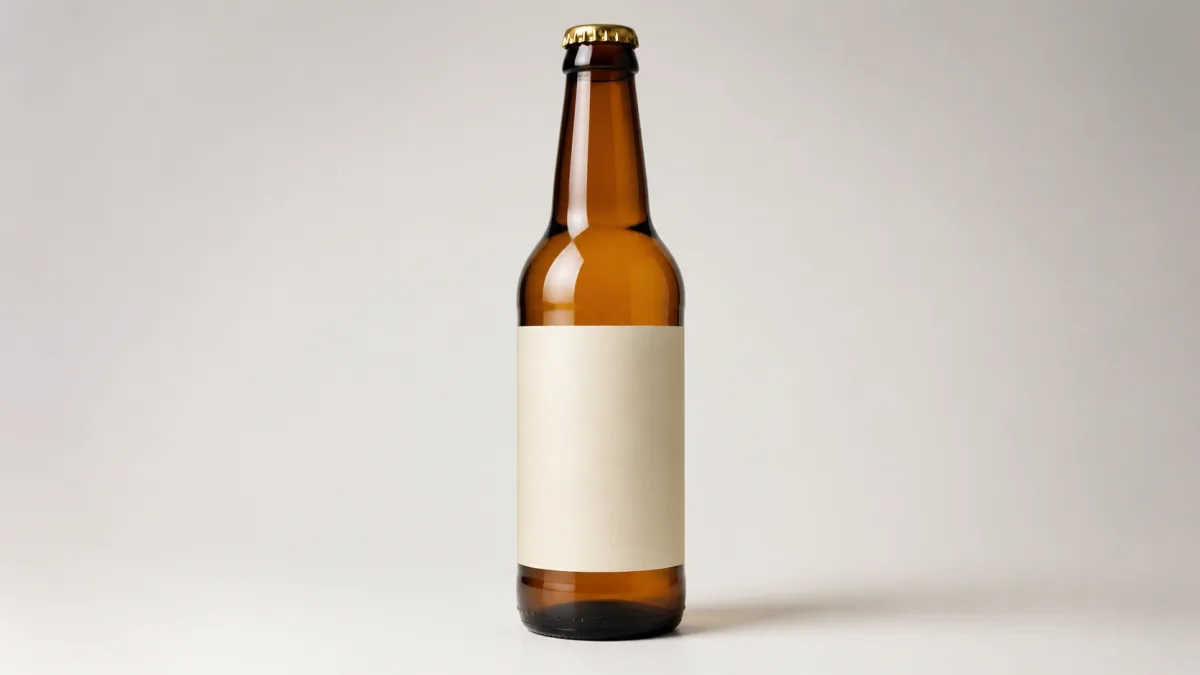
To keep a product label unchanged in an AI image, give the model a sharp, front-facing reference, place the preservation instruction before creative direction, and change as little of the image as possible. Identify the exact packaging geometry, label boundary, logo position, wording, colors, and finish that must remain fixed. Then ask only for the background, lighting, or crop you need. This reduces ambiguity, but it is not a guarantee: generative tools may still redraw tiny letters, spacing, symbols, or reflective surfaces. Inspect every result at full resolution and use the original product pixels or a conventional compositing workflow when exact packaging is commercially essential.
Why labels are harder than backgrounds
A background can tolerate small variations. A label cannot. A single changed ingredient, shifted letter, invented certification, or altered logo may turn a polished image into a misleading one. Curved bottles, metallic foil, transparent packaging, shallow depth of field, and tiny type make the task harder because the model must reconstruct detail while also changing the scene.
Treat packaging identity as structured information rather than decoration. The creative brief should distinguish fixed product facts from editable environmental choices.
Capture a reference that exposes every key detail
Start with the highest-quality source available. Use even light, a clean lens, and enough depth of field to keep the entire label readable. Photograph the product close to straight-on when typography matters. Minimize glare that covers letters, but retain enough reflection to describe the material accurately.
A useful source-image checklist includes:
- Complete product outline with no cropped cap or base.
- Readable logo, product name, variant, and required small print.
- Accurate packaging color and neutral white balance.
- Visible label edges, embossing, foil, and transparent areas.
- No hand, prop, or shadow covering identifying details.
The Showcases page can provide composition ideas, but your own approved source remains the authority.
Write a product-lock block before the scene
Open the prompt with a factual preservation paragraph. Name the shape, dimensions, cap, label boundary, logo, exact visible wording, colors, materials, and finish. Use direct verbs: preserve, keep unchanged, retain, and do not redraw.
After that block, describe the one permitted edit. For example: change only the background to warm gray seamless paper. This hierarchy is clearer than mixing preservation and styling instructions throughout a long paragraph.
Reduce the number of simultaneous edits
Changing background, camera angle, hand position, product rotation, label design, and light at once gives the generator many reasons to reconstruct the package. Begin with one bounded change. If the first result preserves the product, make a second pass for crop or atmosphere.
When the requested camera angle reveals a side that is not visible in the source, the system must invent information. Supply additional approved views or keep the original angle. No wording can recover details the reference does not show.
Copy-ready label preservation prompt
Use the uploaded image as the exact product source. Preserve the complete package geometry, dimensions, cap, edges, color, material, finish, label shape, label boundary, logo, symbol placement, typography, spacing, and every visible word exactly as shown. Do not redraw, restyle, translate, correct, replace, or invent any label element. Keep the original product camera angle and scale. Change only [background / surface / lighting], creating [specific environment] in [aspect ratio]. Match the new light and contact shadow to the unchanged product without adding colored light across the label. Add no props in front of the package. If exact label detail cannot be retained, leave that area visually unchanged rather than generating substitute text. No extra products, badges, seals, prices, claims, or watermarks.Adapt the bracketed instruction in the AI image generator, then use the same bounded brief in the Create workspace.
Handle curved, glossy, and transparent packaging
Curved labels distort naturally around a cylinder, so ask to keep the original curvature and perspective. Glossy labels need controlled reflections that do not cover the logo. Transparent bottles require the liquid level, refraction, back label, and glass thickness to remain coherent.
Avoid vague demands for "more shine." Specify a broad vertical softbox reflection outside the text area, or a gentle rim highlight along the bottle edge. If the new environment requires radically different reflections, consider compositing the original product instead of regenerating it.
Common failures and practical fixes
Garbled text usually means the label was redrawn. Return to the original angle, simplify the edit, and move the exact preservation block to the start. A drifting logo can result from insufficient source resolution or a large perspective change. Use a closer reference and request no rotation.
If label color changes, remove cinematic grading and colored fill light from the product. If the package shape shifts, state the cap-to-body ratio and silhouette, then ask to change only the environment. If errors persist, mask or composite the original label/product pixels in a conventional editor. Accuracy matters more than an all-generative workflow.
Review at three viewing sizes
Inspect the whole composition first, then the product at 100 percent, and finally a close zoom on text and marks. A label can appear convincing at thumbnail size while containing wrong letters at full resolution.
Compare the result beside the approved source rather than relying on memory. Check the outline, cap, logo, every word, icon, barcode if visible, color, reflections, and the way the label wraps around the package.
Pre-publish packaging checklist
- Product geometry, camera angle, cap, edges, and proportions match the source.
- Logo shape, position, color, and clear space remain correct.
- Every visible word, number, symbol, and line break has been verified.
- Label curvature, embossing, foil, and transparency behave plausibly.
- No invented badge, certification, price, review, or product claim appears.
- Lighting and reflection changes do not hide or recolor the label.
- The image has been compared directly with an approved source at full resolution.
- A non-generative composite is used wherever pixel-level identity is required.
Choose one approved reference and one small environmental edit. Paste the product-lock prompt into Create, then reject or repair any output that changes even a minor packaging fact.
Related guides
Browse all ai product photography guidesAI Product Lifestyle Photo Prompts for Believable Scenes
Build lifestyle product prompts around a real customer moment, accurate scale, product-lock details, coherent light, restrained props, and review.
How to Turn a Phone Product Photo into a Studio Image
Prepare a stronger phone reference, write a bounded studio-image prompt, protect product details, and review lighting, edges, labels, and shadows.
A Practical Seedream Product Photography Prompt Guide
Structure Seedream product photography prompts around product facts, scene choices, light, composition, constraints, and a careful review process.
Last updated .