Describe or Upload
Start with a text prompt or upload a reference image in JPG, PNG, or WebP format.
Move from a prompt to an original image, refine a reference photo, and turn the finished visual into video with Seedream, Nano Banana, and Seedance in one creative workspace.
Browse portraits, product visuals, illustrations, and cinematic scenes made with the online image creator, then see how a still picture can become an AI video.
Start with text or a reference picture, select the model that fits the job, generate your AI image, and refine the result.
Start with a text prompt or upload a reference image in JPG, PNG, or WebP format.
Use Seedream or Nano Banana for images, or choose Seedance for AI video generation.
Let the AI picture generator create a new image, edit a reference, or prepare a still image for animation.
Compare results, refine your prompt, and download the image or video you want to use.
Use Seedream as a text-to-image generator, Nano Banana for precise picture editing, and Seedance when your finished image needs motion.
Move from a prompt to a still image, edit, or video
Start with an online AI image generator, continue with image editing, or turn the result into video without leaving your creative workspace.
Create cinematic AI videos from text prompts or reference images with controlled motion.
Try Seedance AI VideoGenerate detailed AI images from a prompt and explore polished visual directions quickly.
Try Seedream AI ImageEdit a reference image with natural-language instructions while preserving the details that matter.
Try Nano Banana EditingTurn a still image into a dynamic clip with Seedance motion and camera direction.
Try Image to VideoDescribe a scene, style, and movement to create an original AI video with Seedance.
Try Text to VideoSee how Seedream, Nano Banana, and Seedance fit different image and video creation tasks.
“Write a precise visual prompt, compare the generated directions, and refine the strongest image without leaving the workspace.”
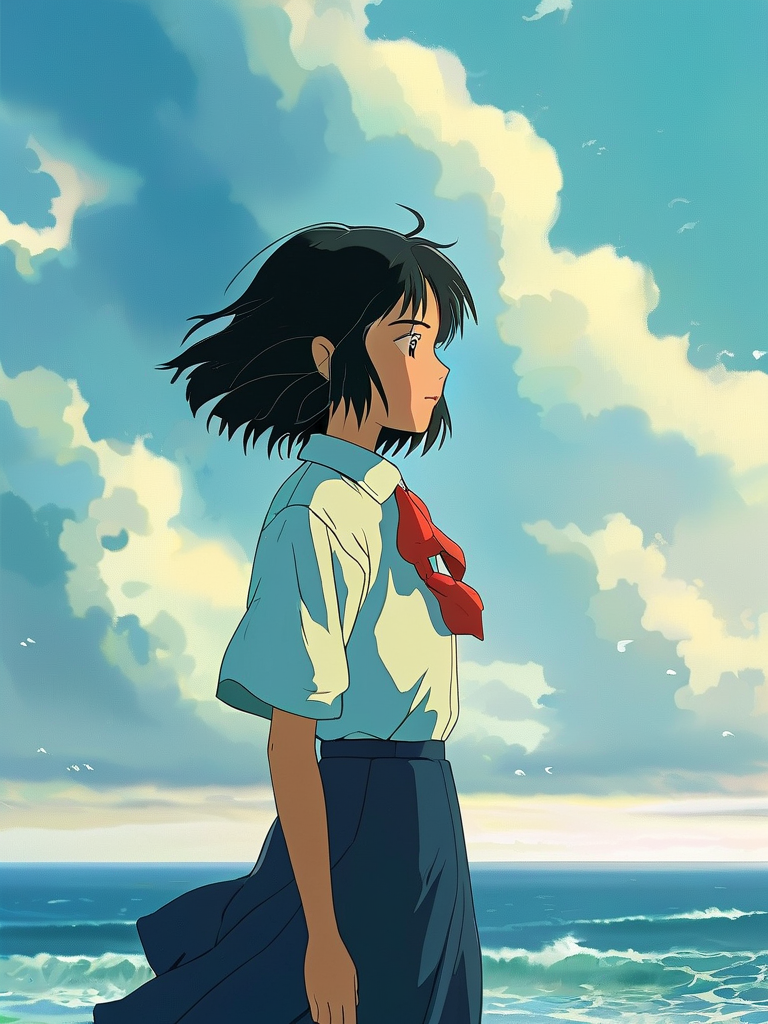 SeedreamText-to-image generation
Start with 3 free credits, then choose monthly or annual credits for your image and video workflow.
For occasional image creation and short experiments
For creators producing visuals every week
For higher-volume creative workflows
Yes. You can start with the free plan and create images online without installing software. Available models, generation limits, output sizes, and paid options are shown clearly in the creative studio.
Describe the subject, style, lighting, composition, and details you want. The AI picture generator interprets that prompt and produces a new image that you can review, refine, download, or animate.
The best choice is one that makes prompting simple and shows model limits before generation. Create Image provides a guided workflow, style examples, Seedream image generation, and Nano Banana editing in one place.
Yes. The image creator runs in your browser. Write a prompt or upload a permitted reference image, choose an available model, generate the result, and download the finished picture online.
Choose Seedream when you want to create a new image from a detailed text prompt. Use Nano Banana when you want to change the composition, styling, background, or details of a reference image.
Upload a still image, choose the movement and visual direction, and add an optional prompt. Seedance studies the image and builds a short video with consistent subjects, natural motion, and smooth camera movement.
Prompt controls and output options depend on the selected model. Clear descriptions of subject, style, composition, motion, and constraints usually provide better direction.
Usage rights depend on the selected model, provider terms, and your plan. You must also own or have permission to use any uploaded source material.
No. The workflow is designed for creators of every experience level and only requires an image and a short creative direction.
Try refining the prompt, changing motion intensity, or using a different source image. Small directional details can make a meaningful difference.
Create an original picture with Seedream, refine it with Nano Banana, or use Seedance to add motion—all inside Create Image.
Seedream • Nano Banana • Seedance