
AI Reference Editing Guides
Reference-editing workflows for controlled AI image changes, including identity, pose, composition, backgrounds, local repairs, and visual consistency.
Reference editing is most reliable when the source image remains the visual contract. Before writing an instruction, identify what must stay fixed and what may change. A narrow edit such as replacing a background, repairing one hand, extending a frame, or adjusting clothing is easier to review than a request that changes identity, pose, camera, light, and style at the same time.
This collection focuses on bounded edits and practical inspection. It explains how to select a useful reference, write preserve-and-change instructions, mask only the necessary region, and compare the result at full resolution. No model can guarantee identity or factual accuracy, so important faces, products, text, and source details should always receive a human review before publication.
Start here
Begin with these guides, then move to the article that matches your exact subject or edit.
- 1
How to Use Reference Images in AI Generation Without Losing Control
Use reference images for identity, composition, pose, or style while clearly separating preserved details from the changes you want the AI model to make.
- 2
Why AI-Generated Images Get Hands and Faces Wrong—and How to Fix Them
Understand why hands, faces, and small anatomy details break in AI images, then use a practical workflow to repair them without losing the whole composition.
- 3
How to Create Readable Text and Logos in AI Images Without Broken Typography
Learn why AI image text becomes misspelled or distorted and when to generate, edit, mask, or add typography in a separate design step.
All ai reference editing guides
19 reviewed guides currently available in this topic.
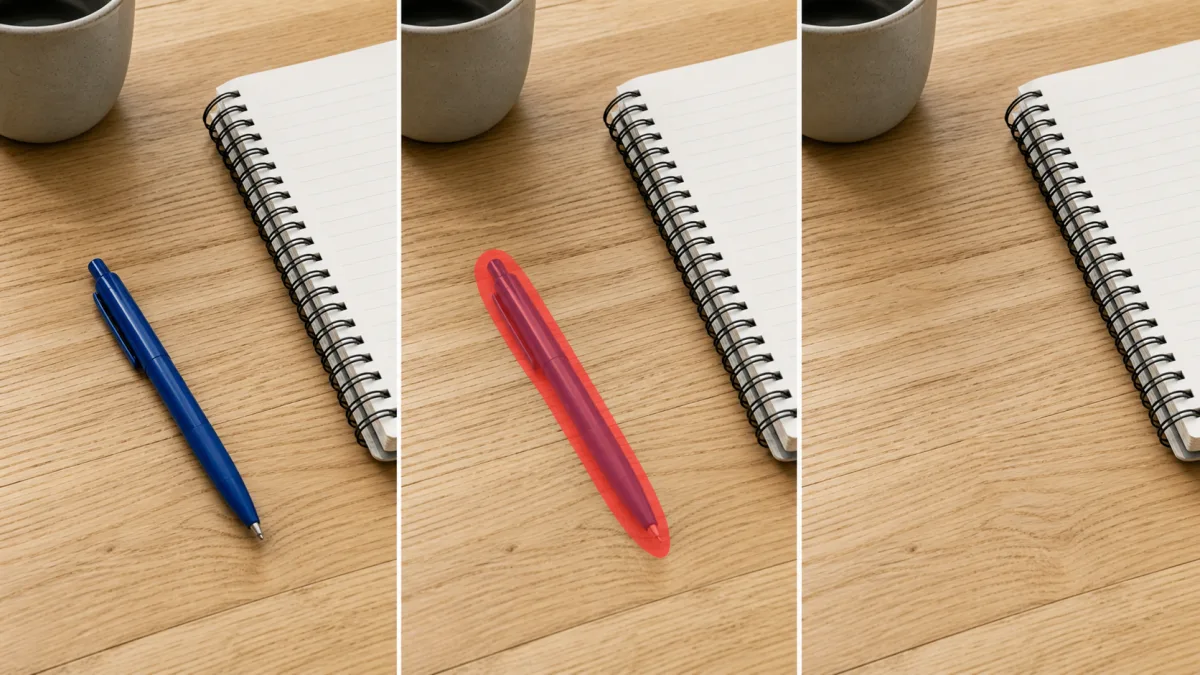
An AI Inpainting Mask Guide for Clean Local Edits
Plan cleaner local AI edits by choosing mask boundaries, context margins, feathering, protected regions, staged passes, and full-resolution checks.

How to Write Better Negative Prompts for Realistic AI Images
Build concise negative prompts from visible risks while keeping positive direction clear, specific, compatible, and useful for realistic image creation.
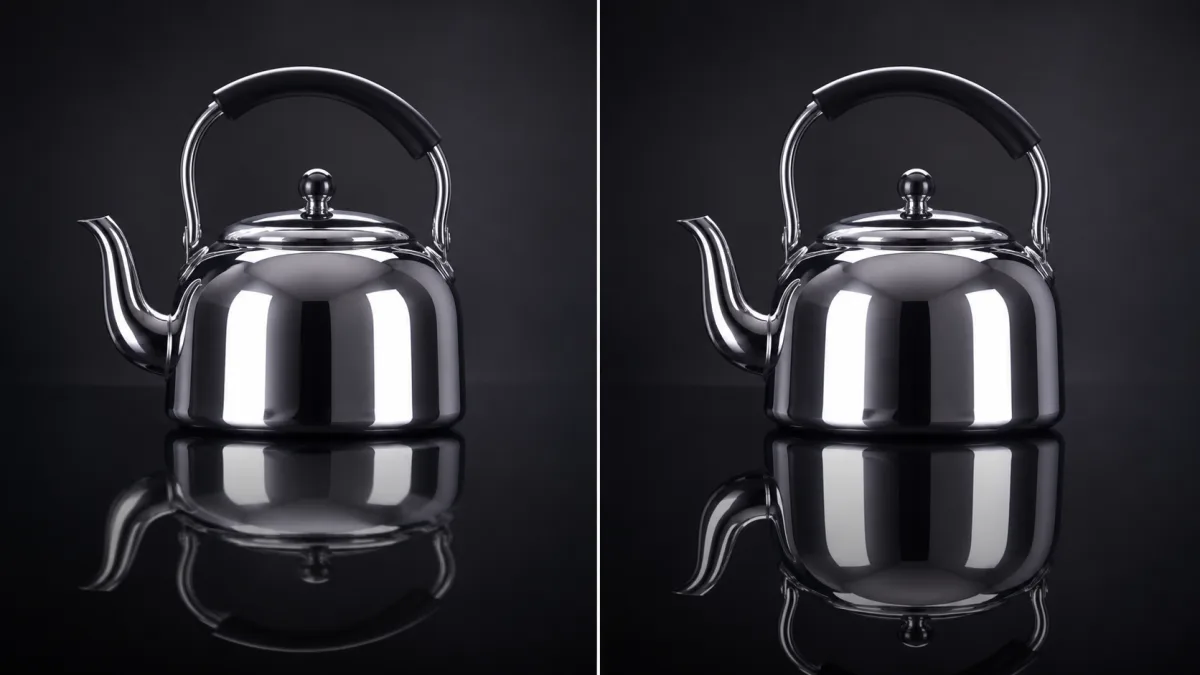
How to Fix Unrealistic Reflections in AI Images
Correct mirrors, glass, water, metal, and glossy surfaces by tracing reflected geometry, viewpoint, light, roughness, occlusion, and material behavior.
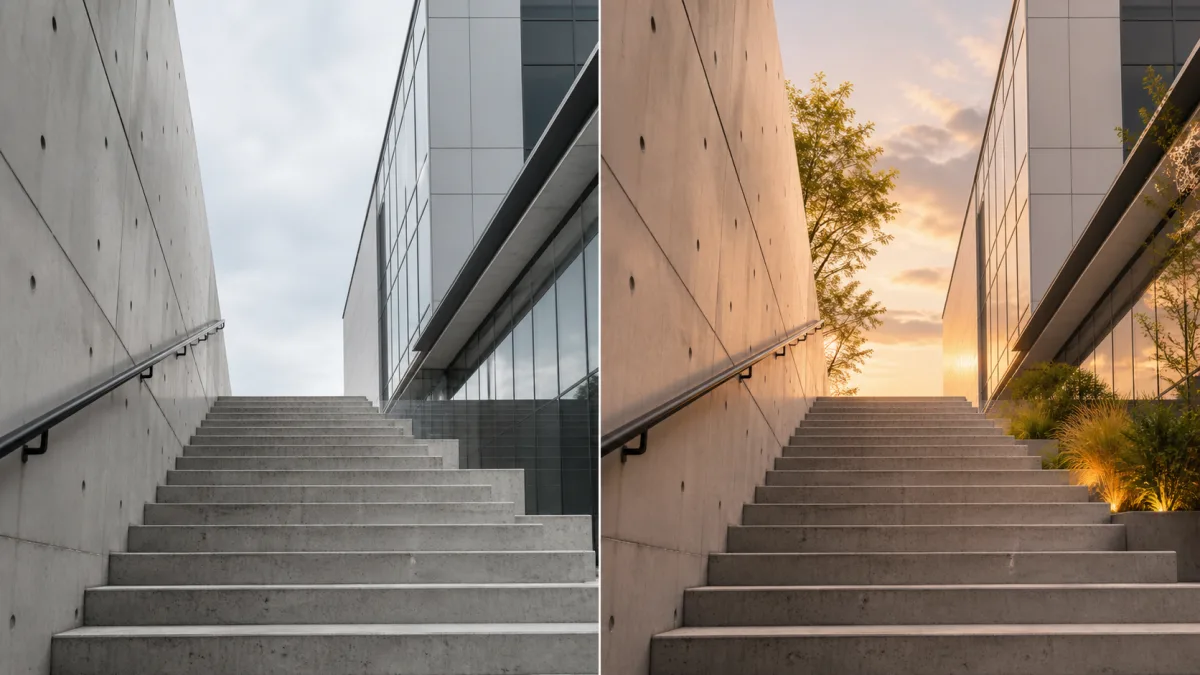
How to Preserve the Camera Angle in AI Image Edits
Protect viewpoint and perspective during AI editing by defining camera height, orientation, horizon, vanishing lines, subject scale, and lens behavior.
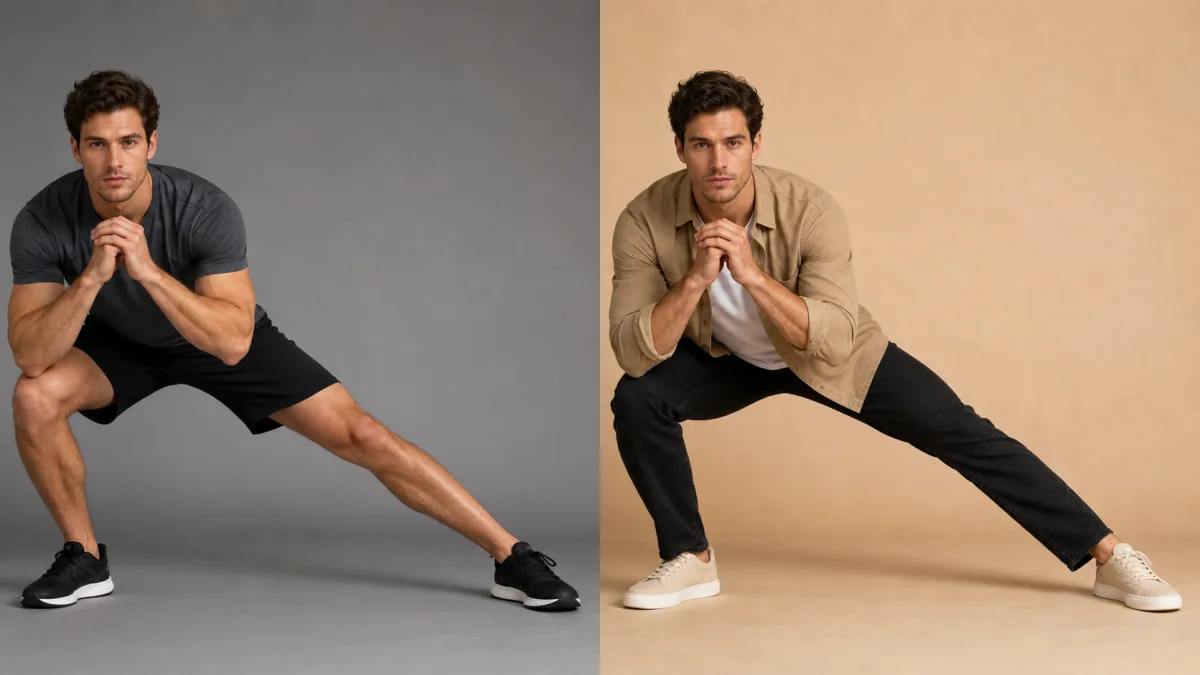
How to Preserve a Pose When Editing a Reference Image With AI
Keep body position stable during an AI edit by protecting joint relationships, silhouette, contact points, crop, camera view, and natural balance.
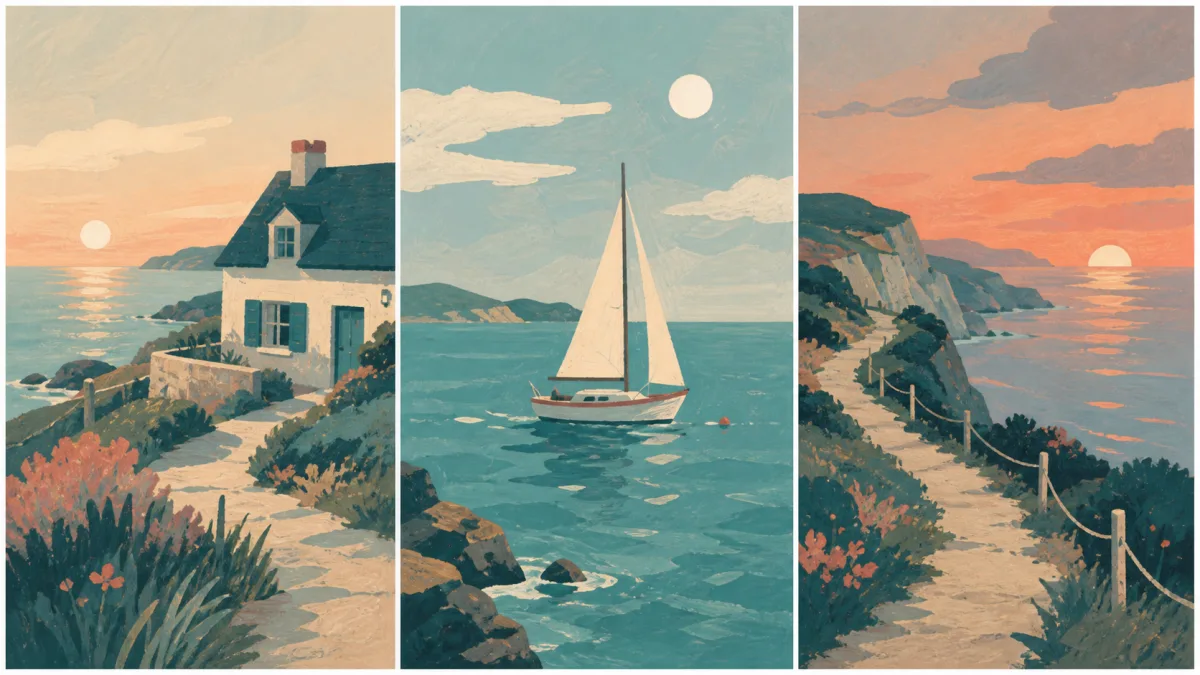
How to Keep a Consistent Art Style Across AI Images
Define a repeatable visual system for an image series using stable palette, shape language, line, texture, lighting, composition, and reference rules.
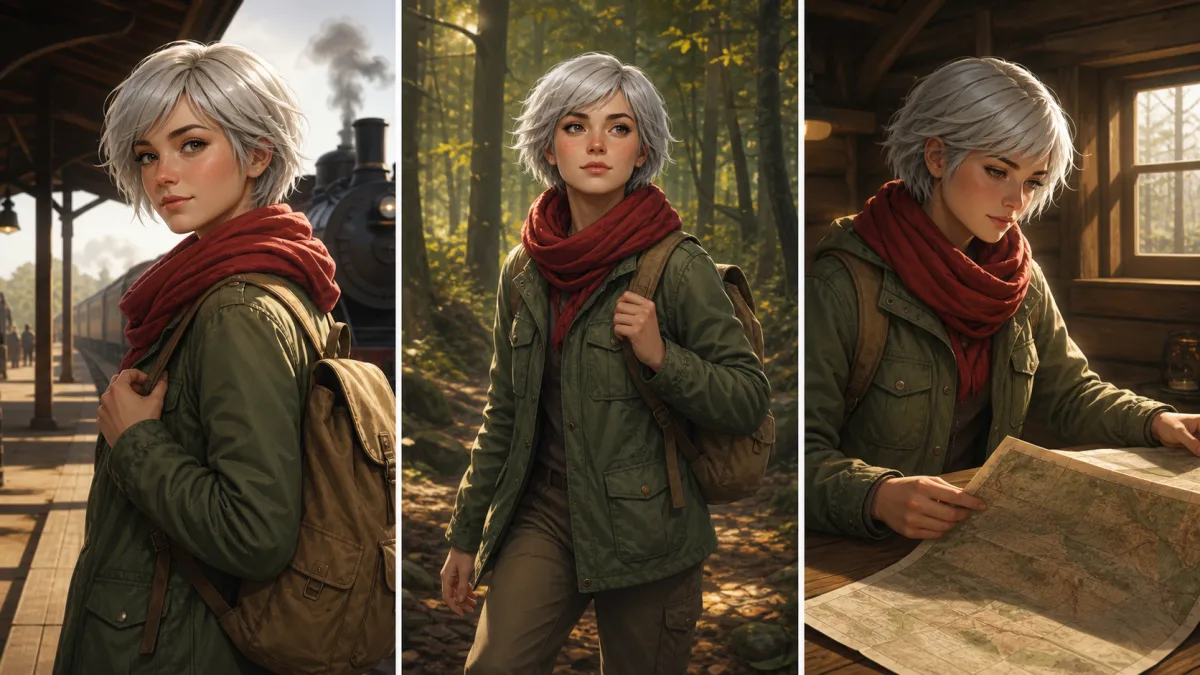
How to Keep a Character Consistent Across AI Images
Build a repeatable character workflow using a visual identity sheet, stable anchors, controlled scene changes, references, and detailed continuity checks.
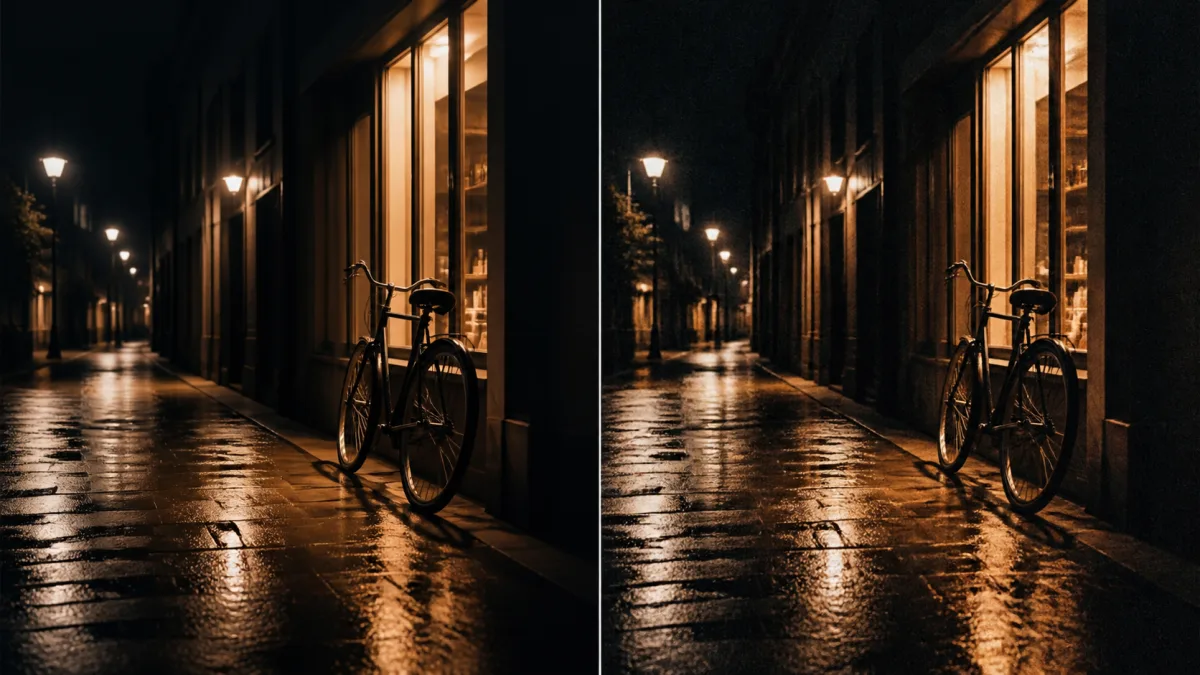
How to Add Natural Film Grain to AI Images
Add restrained film grain that supports tone and texture by matching grain size, contrast, color, image scale, shadows, highlights, and final output.
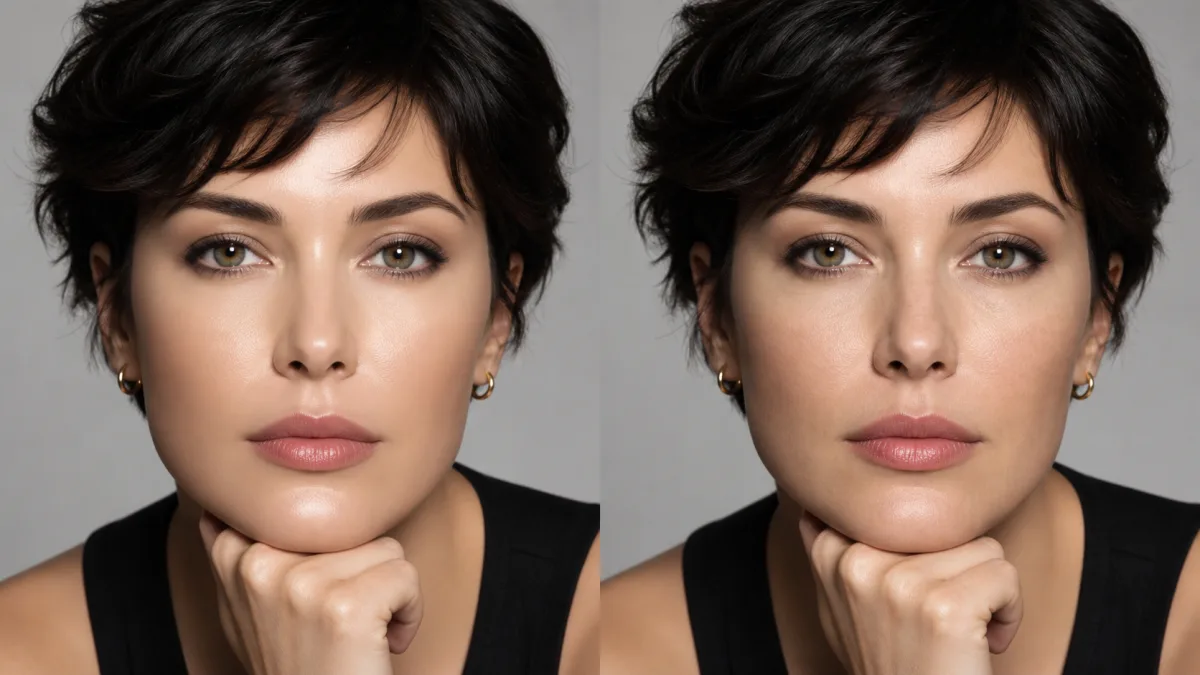
How to Fix Plastic Skin in AI-Generated Portraits
Restore believable portrait skin by correcting texture scale, highlights, color variation, facial structure, retouching language, and local detail.
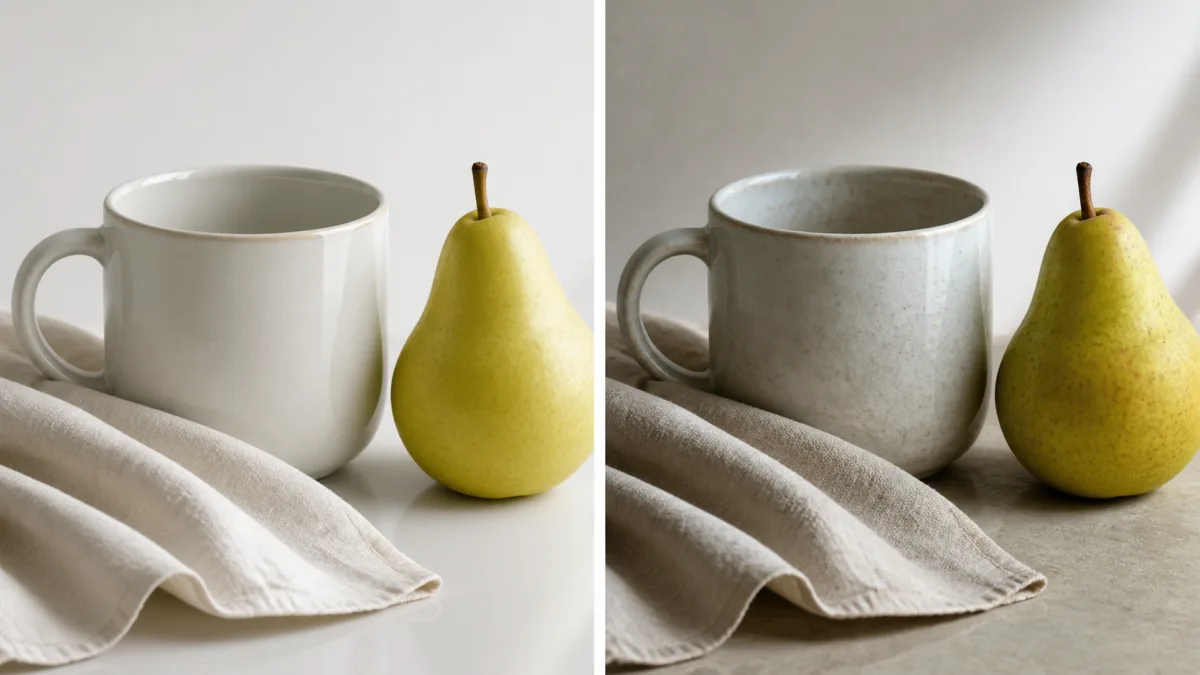
How to Make AI Images Look Less AI-Generated
Diagnose the overall AI look in an image and improve composition, materials, lighting, detail hierarchy, imperfections, and production finishing.
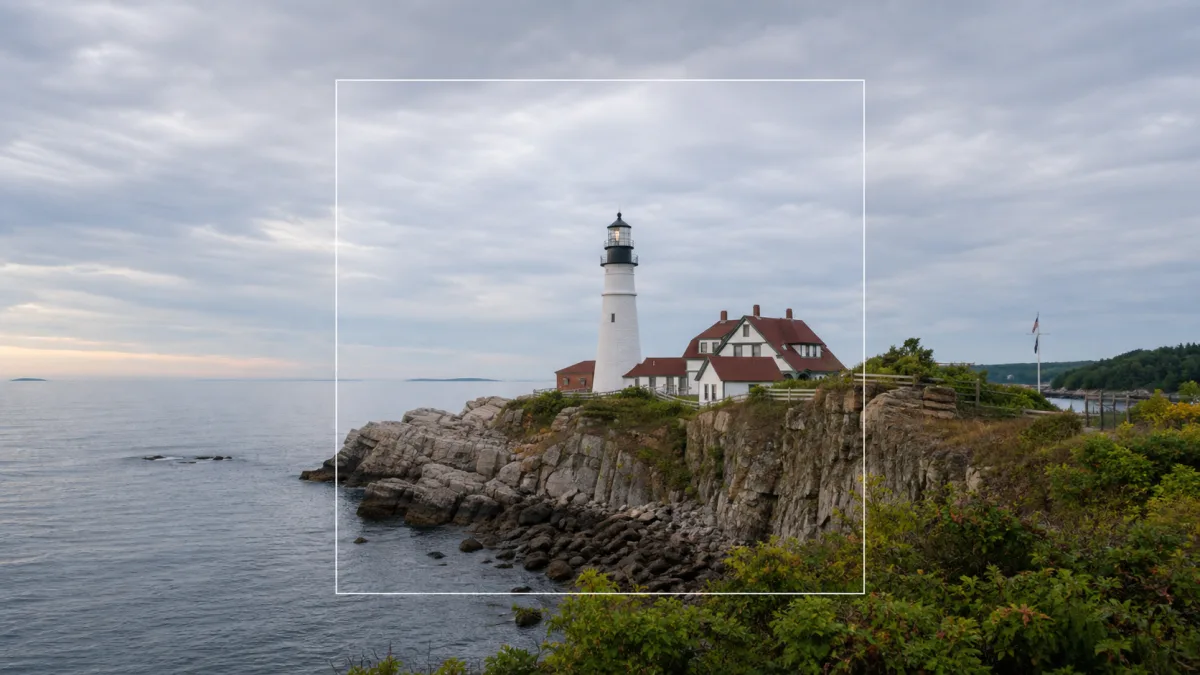
How to Turn a Square Image Into Landscape With AI
Convert a square image into a balanced landscape composition by preserving the focal subject, rebuilding visual flow, and managing newly revealed space.
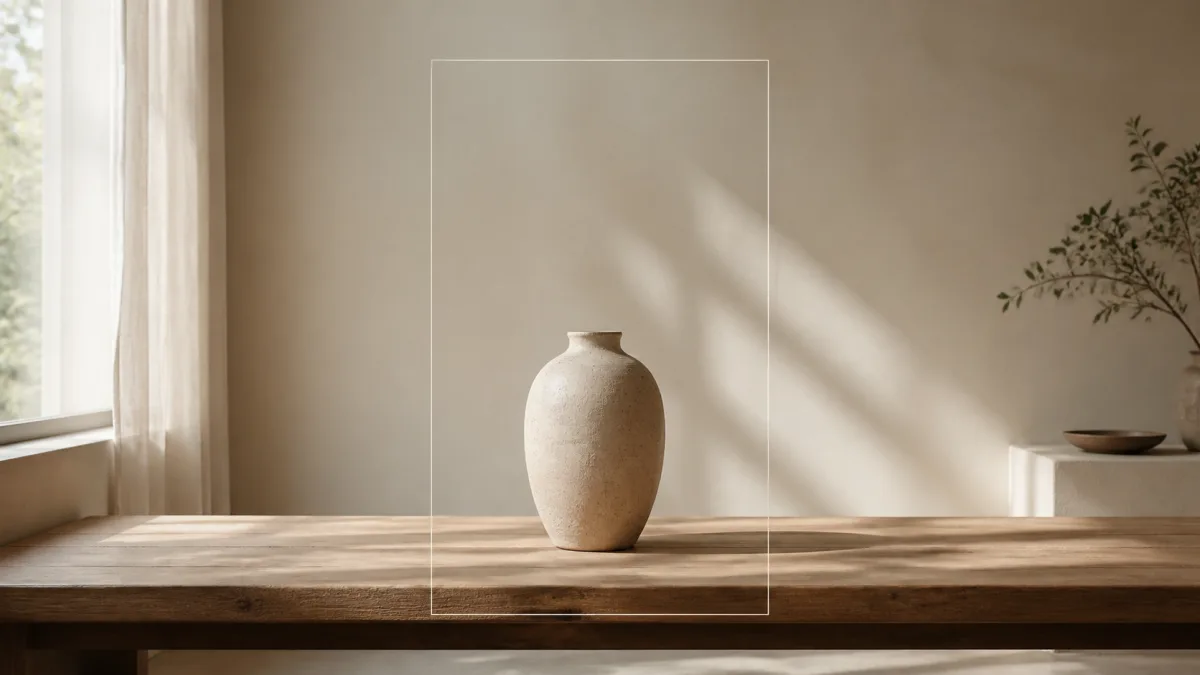
How to Extend an Image for a Website Banner With AI
Expand an image into a usable website hero with intentional negative space, responsive crops, stable subject scale, clean edges, and room for interface text.
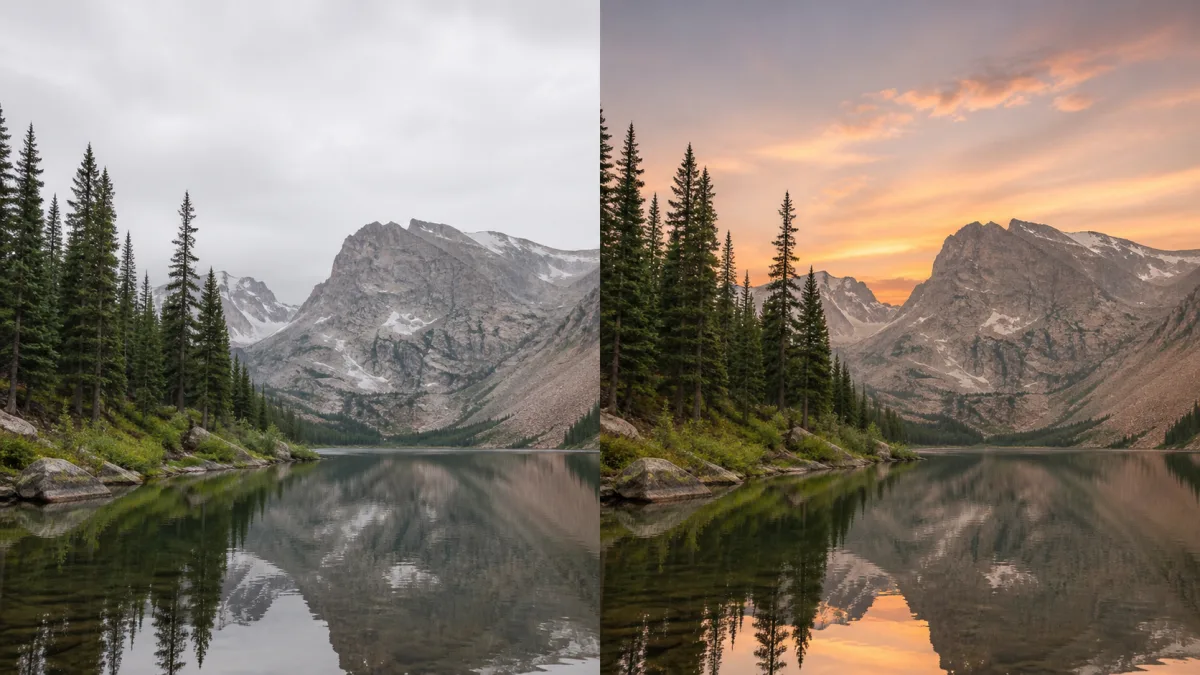
How to Replace a Sky With AI and Keep the Foreground Intact
Replace a dull or distracting sky while preserving the subject, skyline, foreground exposure, reflections, perspective, and believable light direction.
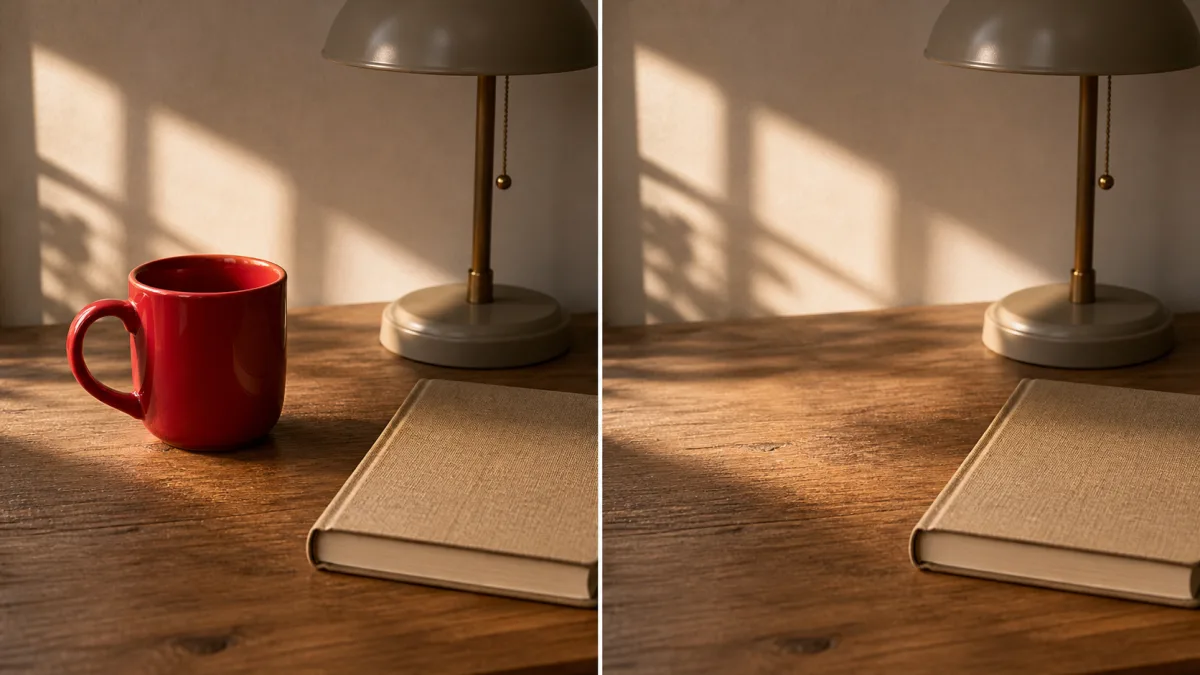
How to Remove an Object With AI Without Changing the Image
Remove a distracting object while preserving composition, subjects, perspective, texture, shadows, and the visual relationships in the original image.
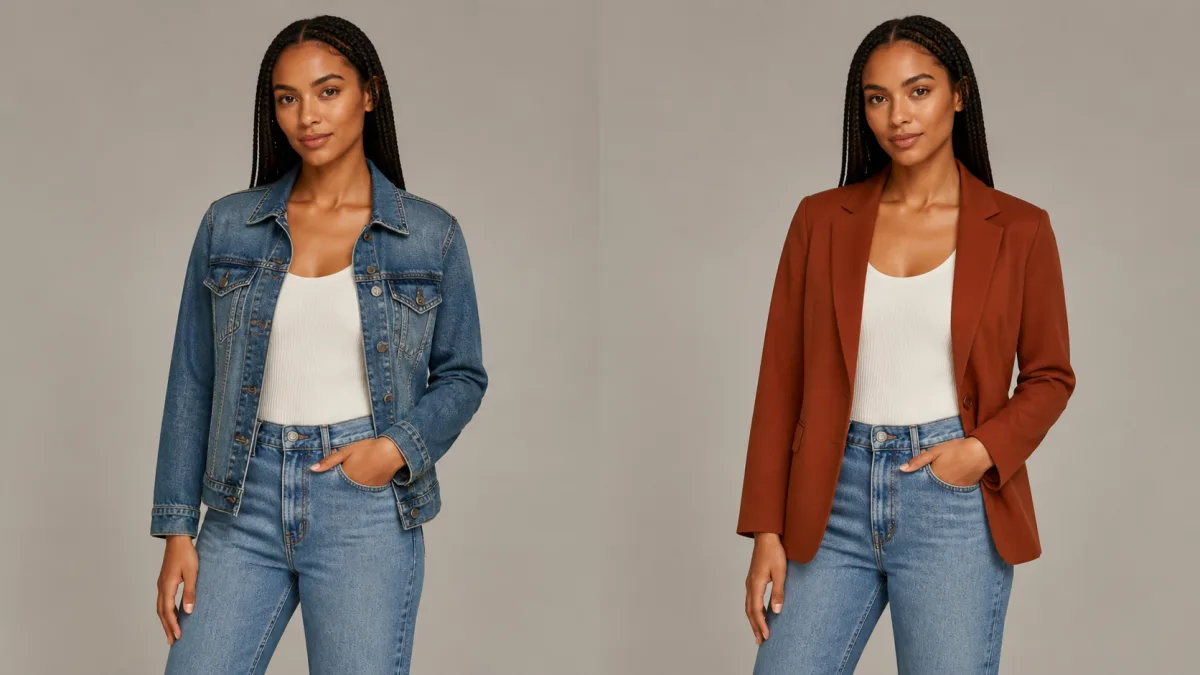
How to Change Clothes With AI Without Changing the Face
Replace an outfit with AI while preserving identity, pose, body proportions, hair, hands, lighting, and the natural relationship between fabric and body.
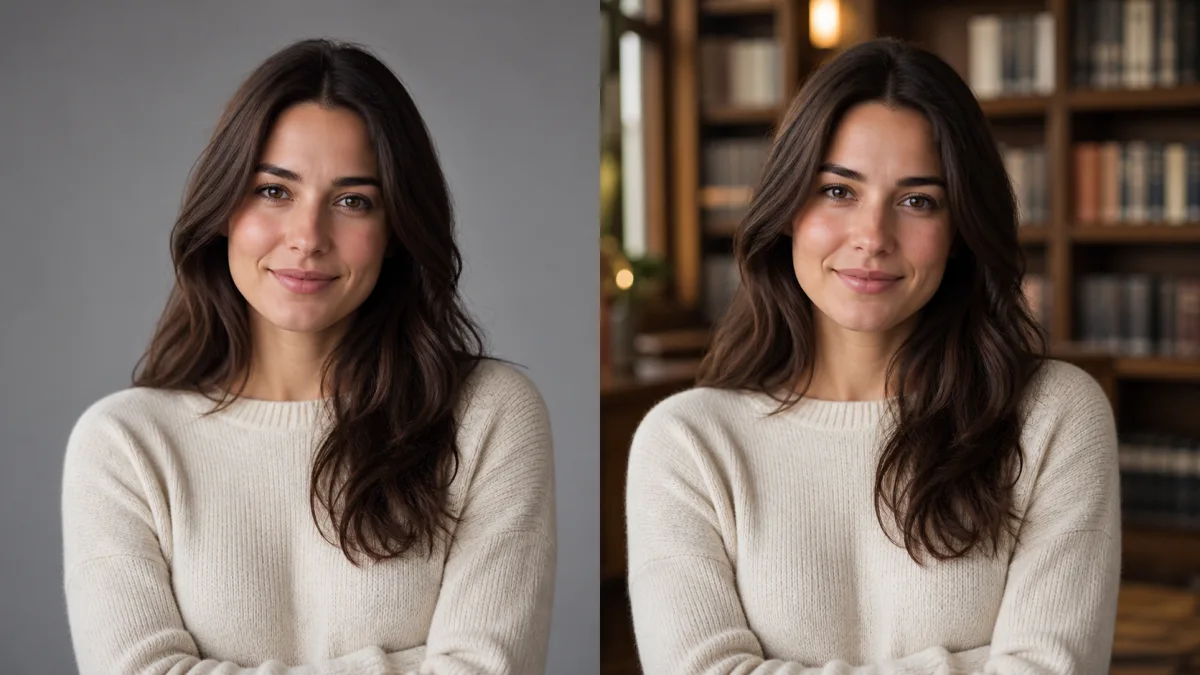
How to Change a Photo Background With AI Without Changing the Subject
Learn a controlled AI background editing workflow that protects the subject, pose, clothing, edges, lighting, and important product details.
Why AI-Generated Images Get Hands and Faces Wrong—and How to Fix Them
Understand why hands, faces, and small anatomy details break in AI images, then use a practical workflow to repair them without losing the whole composition.
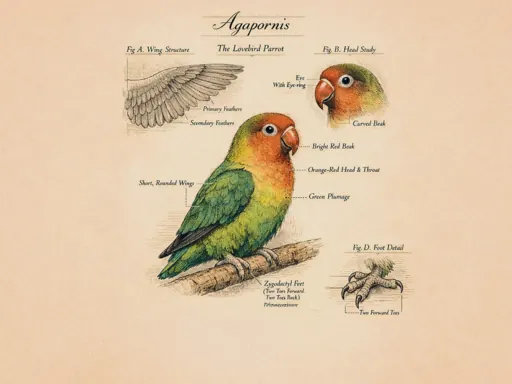
How to Create Readable Text and Logos in AI Images Without Broken Typography
Learn why AI image text becomes misspelled or distorted and when to generate, edit, mask, or add typography in a separate design step.
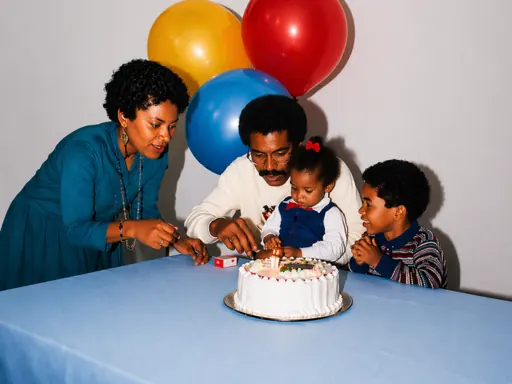
How to Use Reference Images in AI Generation Without Losing Control
Use reference images for identity, composition, pose, or style while clearly separating preserved details from the changes you want the AI model to make.