
How to Write an AI Podcast Cover Art Prompt
Create podcast cover concepts with a recognizable visual premise, strong square composition, flexible type space, accurate branding, and clean exports.
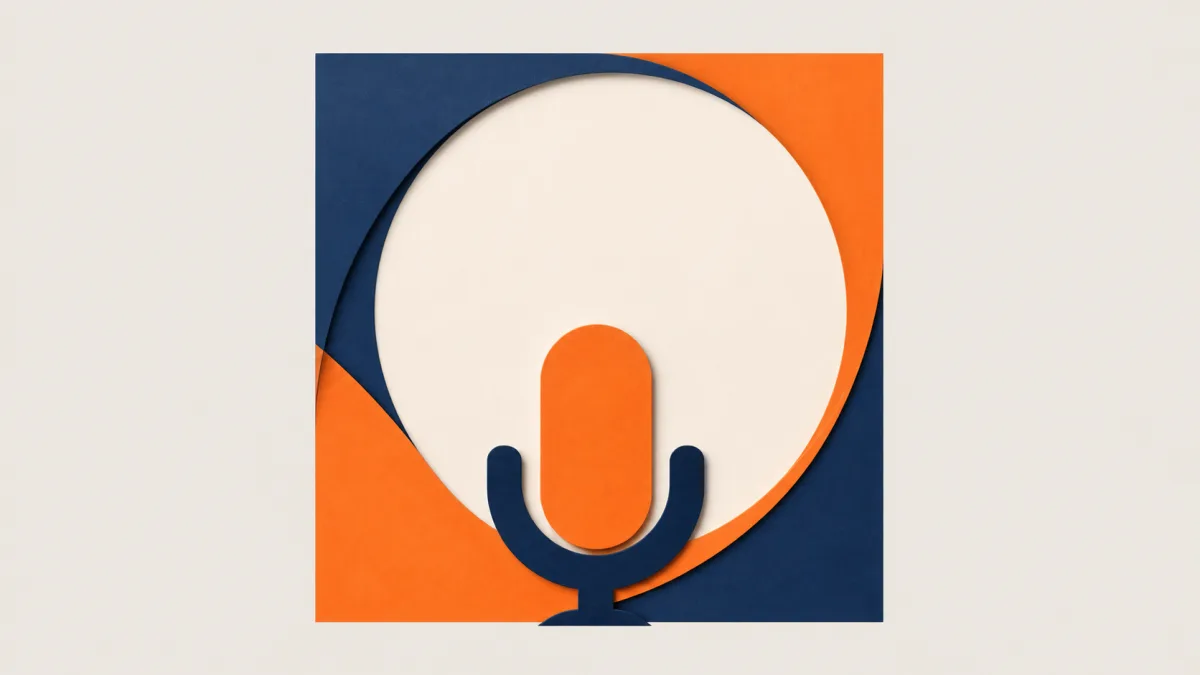
An effective AI podcast cover art prompt turns the show's premise into one recognizable square composition. Define the audience, subject, tone, visual metaphor, palette, and focal hierarchy before naming a style. Keep the generated artwork text-free, with either a stable central emblem or a deliberate quiet area for the real show title and host name. Avoid tiny objects and intricate detail that disappear in podcast directories. Add exact typography and logos afterward in a design tool, then review the cover at both full size and a very small preview. Always verify current technical and content requirements with each distribution platform before uploading.
The podcast cover design prompt examples below keep that identity clear from concept through export.
Start with the show's recurring promise
Write what listeners receive every episode, not just the broad category. "Interviews about business" is too wide. "Calm, practical conversations with independent shop owners" suggests human scale, warmth, and useful craft rather than stock-market graphics or a corporate skyline.
List three nouns that belong to the show and three that do not. This boundary stops a technology podcast from becoming another blue robot image or a wellness show from defaulting to leaves and lotus symbols without a distinct idea.
Select one memorable visual device
A cover needs a simple identity that can repeat across seasons. Choose one of these foundations:
- A bold object transformed by the show's subject
- A portrait with a controlled environment and expression
- A simple illustrated emblem with a distinctive silhouette
- A tactile collage using two or three meaningful materials
- An abstract system of shapes tied to the show's recurring theme
One strong device is easier to recognize than a montage of microphones, headphones, sound waves, guests, buildings, and category icons.
Compose for a square and a tiny preview
Keep the primary shape away from the outer edge and give it enough contrast to survive reduction. If the title will sit above or below the artwork, reserve the area during generation. If title and artwork overlap, make the background behind the future type calm and tonally consistent.
A detailed studio scene may work as a website banner but collapse in a directory tile. Use fewer, larger shapes and test a small preview throughout the design process. The exact display crop and submission specifications may vary by platform, so consult current publisher guidance.
Translate tone into concrete art direction
Replace broad words such as "professional" with visible choices. A serious investigative show might use directional light, restrained color, documentary texture, and a strong central symbol. A playful family show might use rounded illustrated forms, clear color blocking, and open spacing.
Do not request the exact style of a living artist or copy a recognizable show cover. Describe medium, composition, palette, line quality, light, and material instead. Review original visual directions in Showcases and combine only elements that serve the show premise.
Copy-ready podcast cover prompt
Create original, text-free square cover artwork for a podcast about [specific
premise] for [audience]. Express this recurring listener promise: [one concise
sentence]. Use one memorable visual device: [subject or metaphor], centered and
readable at a small size. Render it as [photography / editorial illustration /
paper collage / dimensional graphic] with [palette], [lighting or line quality],
and a [tone] mood. Reserve [top / bottom / central] calm space for the exact show
title and host name to be added later. Use a clear silhouette, few large shapes,
and generous margins. No words, letters, logos, platform icons, watermarks,
microphone cliches unless specified, copied cover layouts, or clutter.
Use the AI image generator to explore the central visual device, then refine the chosen composition in Create without changing the show's core promise.
Build a type and brand layer separately
Add the show title, host, network mark, and season information in a layout tool. Use the exact brand assets supplied by their owner. Choose a type family that remains readable when reduced, and do not make the image responsible for spelling names correctly.
Keep an artwork-only master and an editable branded file. This makes it possible to update a host line or season label without attempting to recreate the original image. It also supports a website header or episode template derived from the same visual system.
Fix common podcast-cover failures
If the cover looks like a category template, replace generic audio symbols with a metaphor unique to the recurring promise. If detail vanishes at small size, combine objects, simplify the background, and enlarge the central silhouette. If the title area is unusable, state its exact location and prohibit objects or bright edges within it.
When the image feels like a poster rather than an icon, reduce depth and remove secondary scenes. If a generated portrait changes between versions, select an approved reference and keep identity instructions explicit, or shift to an emblem-based direction. Remove accidental type and malformed equipment rather than hiding defects under effects.
Extend the system to episodes
The main cover should be stable. For episode graphics, preserve the palette, emblem position, texture, and type grid while changing one image or accent color. Do not rebuild the entire identity for every guest.
Document the master prompt, color values, type choices, clear-space rules, and which elements may vary. That compact guide helps collaborators produce consistent assets without duplicating the same cover.
Podcast cover delivery checklist
- The concept expresses the show's specific recurring promise.
- A single silhouette or portrait remains recognizable at small size.
- The square composition has safe margins and no critical edge detail.
- Exact title, host, and logo assets were added outside the generator.
- Artwork is original and does not imitate another show or named artist.
- Color, contrast, faces, hands, and objects pass a full-resolution review.
- Editable, artwork-only, and final export files are clearly separated.
- Current directory dimensions, format, color mode, and content rules are verified.
Write the show's one-sentence listener promise, select one visual device, and build the text-free square in Create. Add accurate branding afterward, then judge the cover in the same small context where a new listener will encounter it.
Related guides
Browse all ai creative assets guidesHow to Write an AI Image Prompt for a YouTube Thumbnail
Build YouTube thumbnail prompts around one clear story, a bold subject, clean contrast, crop-safe composition, and space for accurate added typography.
How to Write a 16:9 AI Image Prompt for a Website Hero
Create wide website hero images with intentional negative space, crop-safe subjects, readable contrast, responsive flexibility, and clear brand direction.
AI Image Prompts for Blog Featured Images That Fit the Story
Write blog featured image prompts that communicate the article idea, reserve useful crop space, match your brand, and stay readable across placements.
Last updated .